14 Operation
Operation
4
TAPE Operation
Listening to cassette tapes
Cassette tapes can be played back in this unit.
1. Open the tape door by pressing
Z
PUSH EJECT.
2. Insert the tape.
3. Close the tape door.
4. Select the TAPE funtion by pressing TAPE
on the unit or FUNCTION on the remote
control.
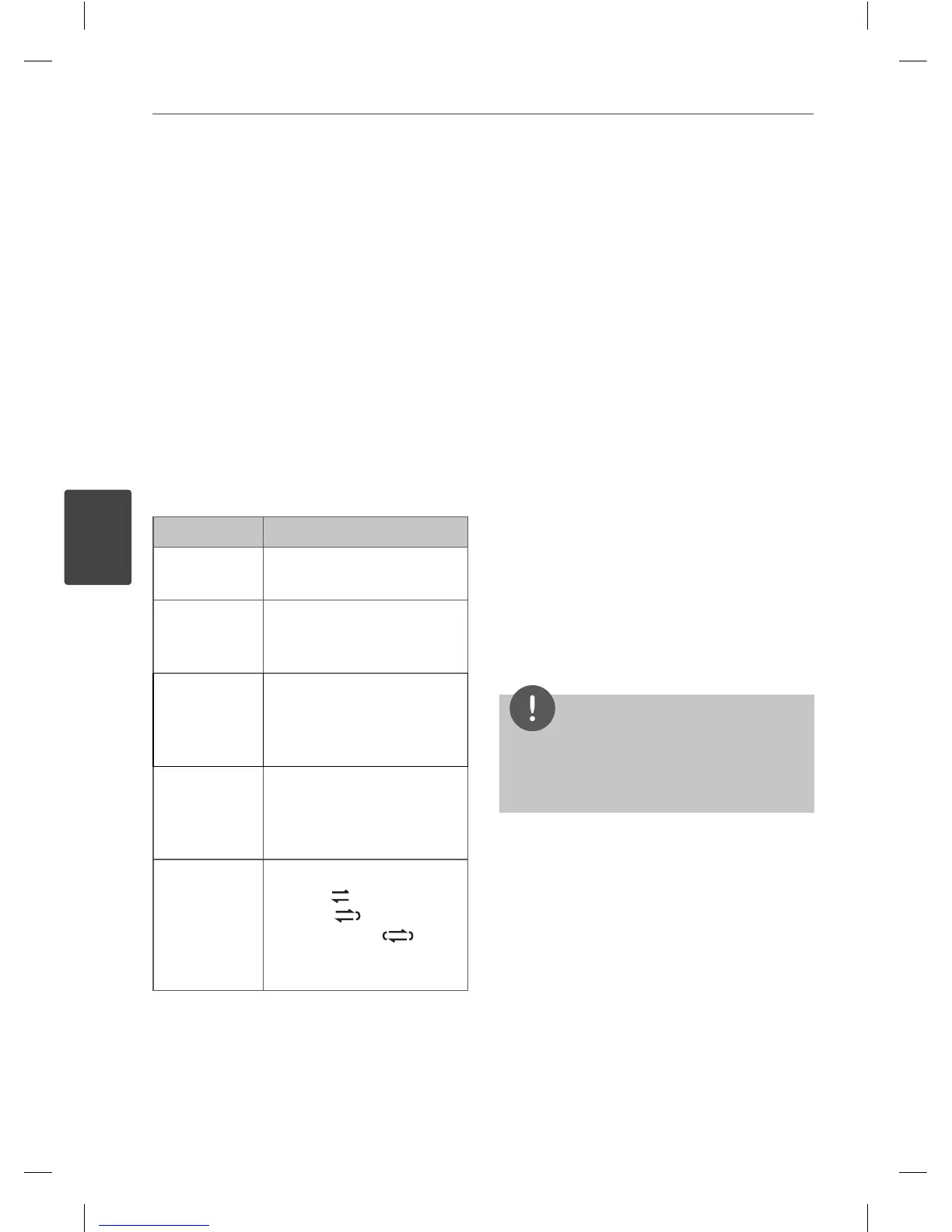
To Do this
Stop
Press
x
on the remote
control or STOP on the unit.
Playback
Press
B
/
X
on the remote
control or < PRESET - /
PRESET+ > on the unit.
Change
direction
Press
B
/
X
repeatedly on
the remote control or
< PRESET - / PRESET + >
on the unit.
Searching for a
section within
a track
After pressing
. m
/
M >
during playback,
press
B
/
X
at a point you
want.
Play mode
You can set the tape to play
one side
, both sides
one time , or both
sides repeatedly , by
pressing REPEAT one or
more times.
Other Operations
Programmed Playback
The program function enables you to store
your favourite les from any disc or USB device.
A program can contain 20 tracks.
1. Insert a CD or USB and wait for it to be
order.
2. Press PROGRAM/MEMO on the remote
control in stop status.
3. Press
. m
or
M >
on the remote
control or |<< / >>| on the unit to select a
track.
4. Press PROGRAM/MEMO again to save and
select a next track.
5. Press
B
/
X
to play the programmed music
les.
6. To clear your selection, press
x
twice.
NOTE
The programs are also cleared when the disc or
USB device is removed, the unit is switched to
power o or the function is switched to others.
MCT435-AOU-SMEXCLK-ENG.indd 14MCT435-AOU-SMEXCLK-ENG.indd 14 2010.3.11 4:26:31 PM2010.3.11 4:26:31 PM



 To Next Page