101
write and send the message normally.
Using an image
Choose images to use as wallpaper or identify
callers.
Touch and hold a photo, then touch More
g
Set as.
Choose from Contact icon or Wallpaper.
Creating a slideshow
From Full view mode, you can watch a slideshow so
you don’t have to open and close each image.
Touch Slideshow.
Checking your photo
You can view a photo’s detailed information, such as
Name, Date, Time, Size and Type.
Touch and hold a photo, then touch More
g
Details.
Transferring files using USB mass storage
devices
To transfer files using USB devices:
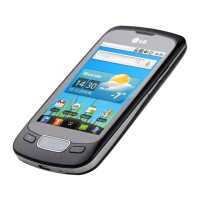
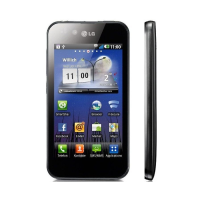
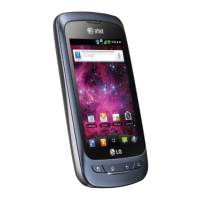
Connect the LG Optimus One to a PC using a
USB cable.
1.
2.
1.
1.
1.



 To Next Page