41
Silent Mode
From the Notifications panel, touch the icon
to set Silent Mode (the icon is displayed if the
Vibrate menu is set to Never or Only when not in
Silent mode; otherwise, the icon is displayed).
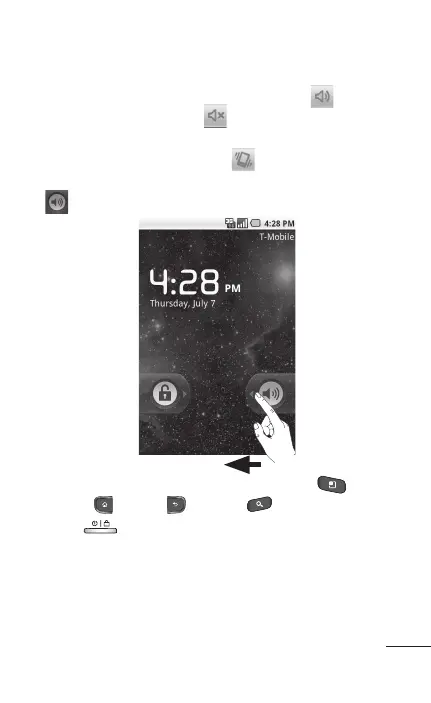
If you don't have an unlock pattern set, simply drag
to the left.
To wake up your phone, press the Menu ,
Home
, Back , Search or Power/Lock
Keys
. The lock screen will appear. Touch
the unlock icon and drag your finger to the right to
unlock your Home screen. The last screen you were
working on opens.



 To Next Page