112
LG Optimus One | User Guide
Browser
Browser gives you a fast, full-color world of games,
music, news, sports, entertainment, and much more,
right on your mobile phone, wherever you are and
whatever you’re into.
NOTE: Additional charges apply when connecting
to these services and downloading content.
Check data charges with your network provider.
Using options
Press the Menu Key
to view the following
options:
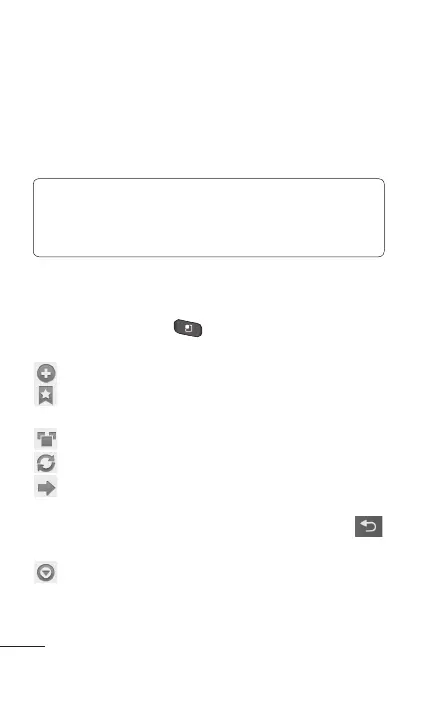
New window – Open a new window.
Bookmarks – Add/Display Bookmarks and
display the Most Visited Site and History.
Windows – Show all your open windows.
Refresh – Touch to refresh the web page.
Forward – Forwards you to the page you had
connected to prior to going back to the current
page. This is opposite action with Back Key
,
which goes to the previous page.
More
Add bookmark – Add the current web page as
a bookmark.
•
The Web



 To Next Page