40
LG Optimus One | User Guide
Your Home Screen
Setting an unlock pattern: You can draw your own
unlock pattern by connecting four or more dots.
When the phone’s screen locks and you have set an
unlock pattern, press the Power/Lock Key
and
draw the pattern to unlock it.
Caution: To set an unlock pattern, you must first
create a Gmail account.
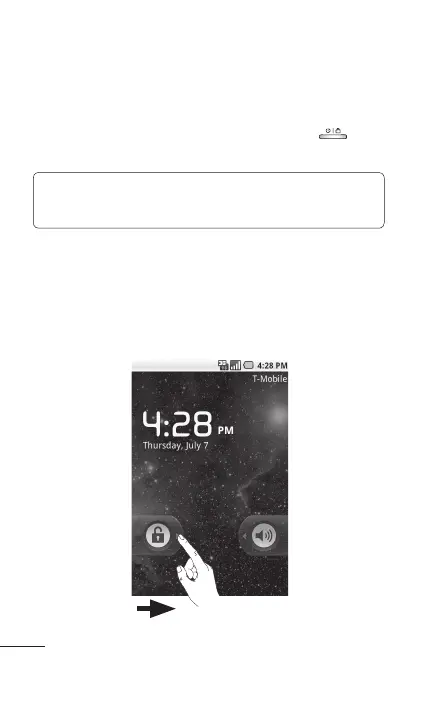
Unlock screen
Whenever your LG Optimus One is not in use, it will
return to the lock screen. Drag the unlock icon from
left to right to unlock the screen.



 To Next Page