42
LG Optimus One | User Guide
Your Home Screen
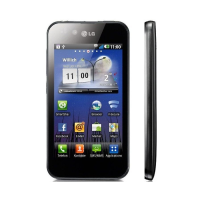
Home screen
Simply swipe your finger to the left or right to view
your Home screen panels.
You can also customize each panel with widgets and
shortcuts to your favorite applications, folders and
wallpapers.
NOTE: Some screen images may be different
depending on your phone provider.
In your LG Home screen, you can view quick
keys at the bottom of the screen. The quick keys
provide easy, one-touch access to the functions
you use the most.
Applications: How to View, Open and Switch
All of the applications on your phone, including
any applications that you downloaded and installed
from Android Market
TM
or other sources, are
grouped together on one Launch screen that you
access from your Home screen. If you have more
applications than can fit on the Launch screen, you
can slide the screen up or down to view more.



 To Next Page