Understanding Your Phone
22
LG Optimus One | User Guide
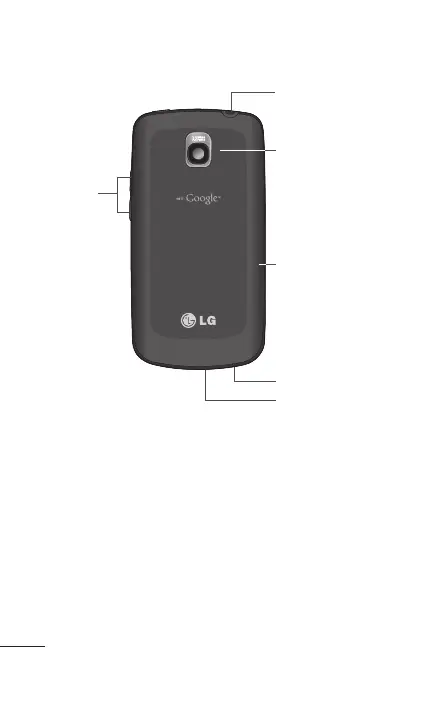
Rear View
6 Accessory/
Charger Port
4 Back Cover
1 3.5mm
Headset Jack
2 Camera Lens
5 Microphone
3 Volume
Keys
3.5mm Headset Jack allows you to plug in an
optional headset for convenient, hands-free
conversations. The 3.5mm jack also allows you to
plug in headphones to listen to music.
Camera Lens use for taking pictures and
recording videos. Keep clean for optimal
performance.
Volume Keys allow you to adjust the ringer, media
volumes and the in-call volume during a call.
1.
2.
3.



 To Next Page