48
LG Optimus One | User Guide
Your Home Screen
Touch the application icon you want to open.
Or
touch the Back Key
to return to the current
application.
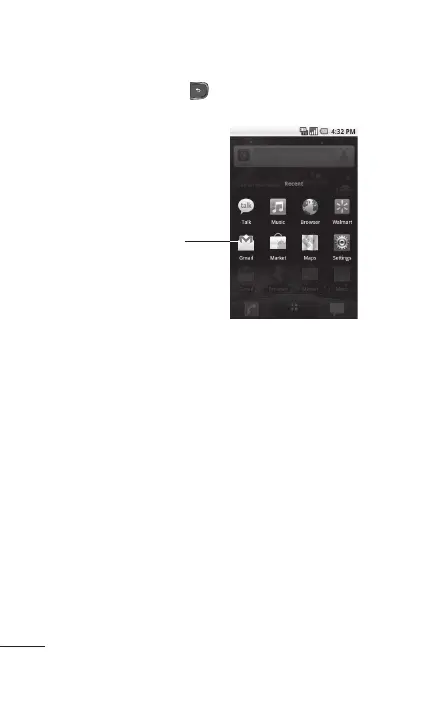
Touch an icon to open an
application you’ve used recently.
Adding application icons to the Home screen
Customize your Home screen with the applications
you use most
often.
Open the Launch screen.
Touch and hold the application icon you want to
add to your Home screen. Your Launch screen will
be minimized so that you can place the icon on a
Home screen.
Lift your finger to place it, or drag the icon to
where you want it on the screen, then lift your
finger.
2.
1.
2.
3.



 To Next Page