103
v
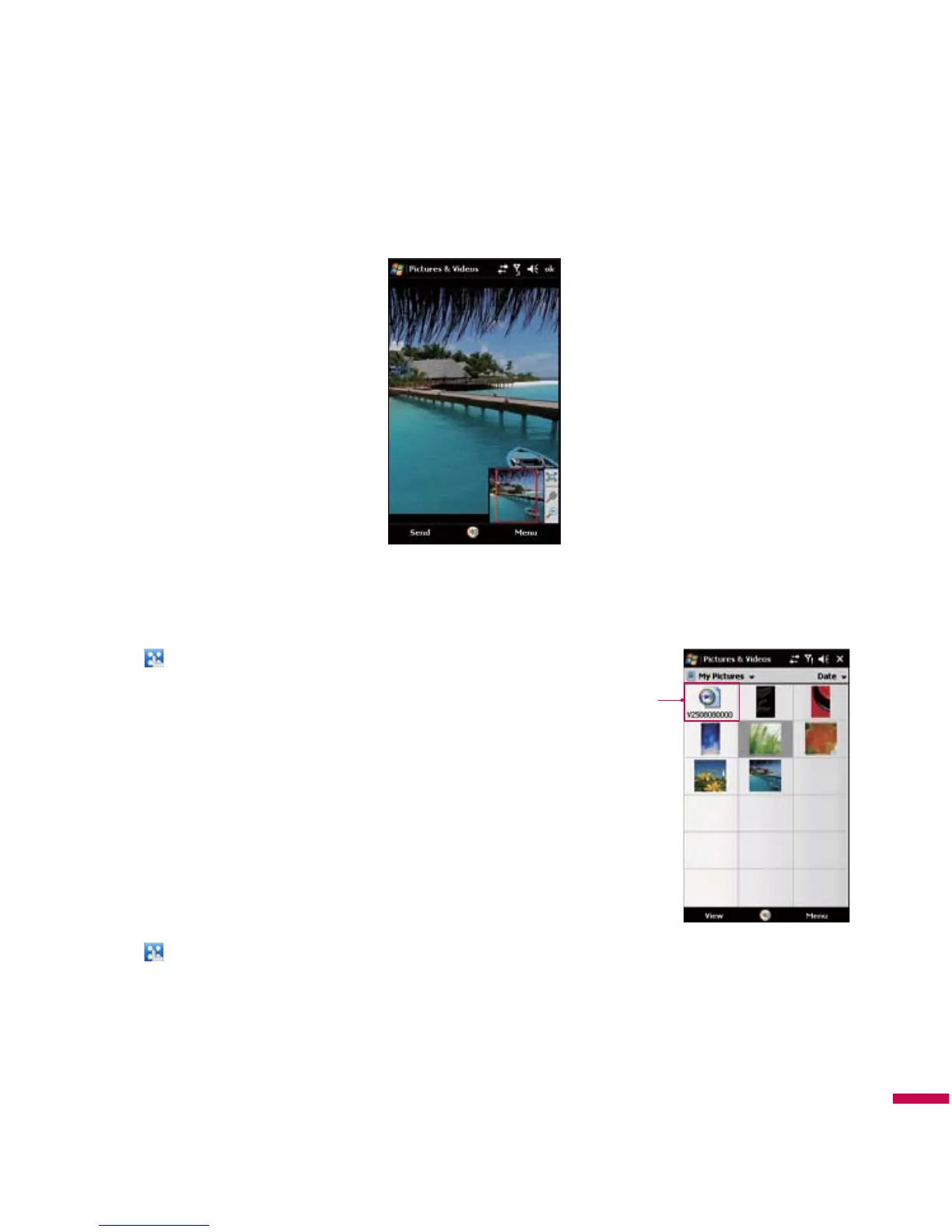
Zoom :
Allows the panel buttons to zoom in or out of the area highlighted by the red box.
To Play Videos with Audio
1.
Tap
(
LG Menu
) >
Multimedia
>
Pictures & Videos
.
The video files in the My Pictures folder appear as thumbnails
by default, which appear with a media icon.
2.
Select a video and tap
the thumbnail
to play it with the built-in
Windows Media Player.
To Sort Pictures and Video Clips
If you store a large number of pictures or video clips on your device,
you may find it helpful to sort them to quickly find a specific picture
or clip. You can sort by name, date, and size.
1.
Tap
(
LG Menu
) >
Multimedia
>
Pictures & Videos
.
2.
Tap the sort list (the top right side of the screen and labeled Date by default), and select the item you
want to sort by.
Multimedia
Video file



 To Next Page