key to enter camera capture mode directly. Or, tap the Multimedia icon, and then select
Camera menu.
2.
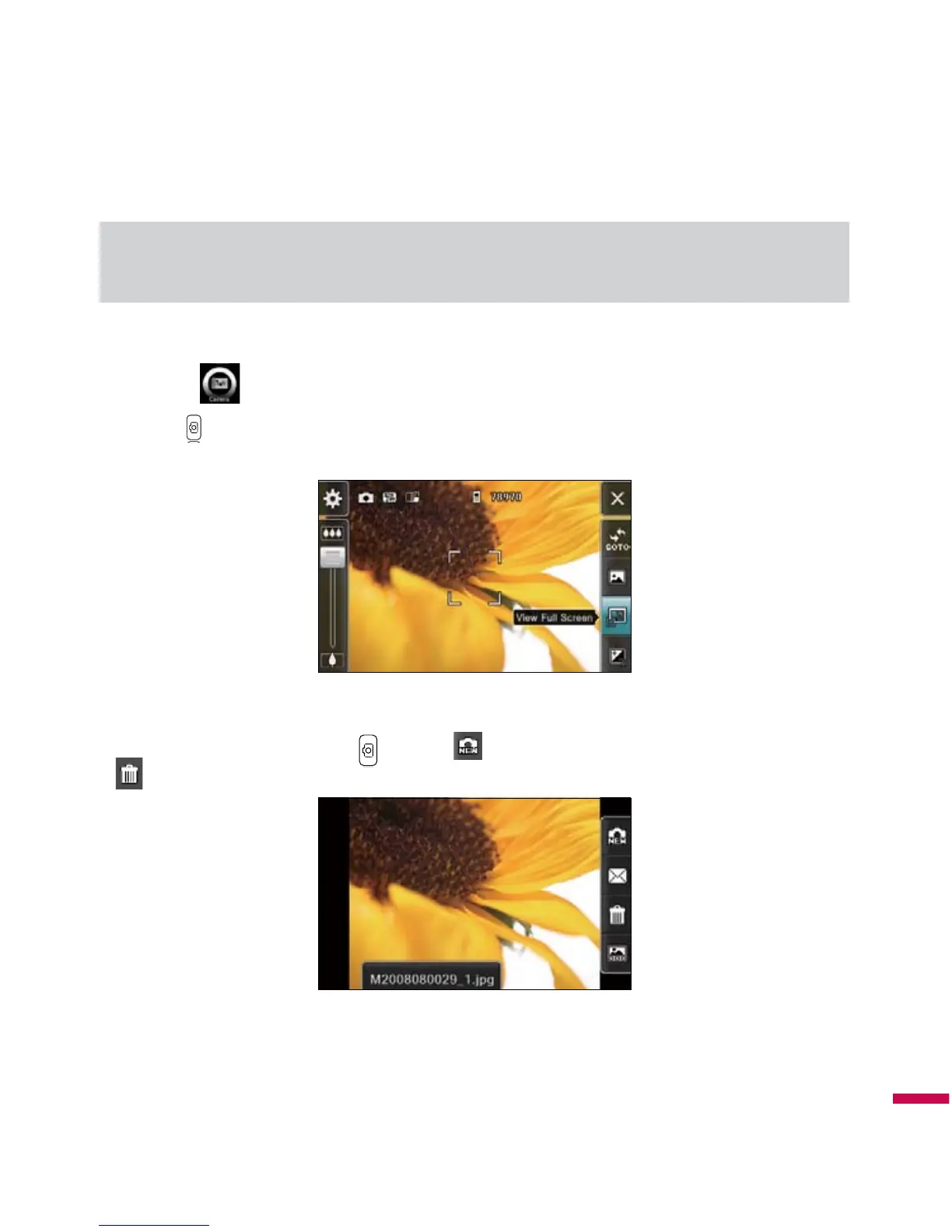
The picture and filename will be shown after the picture taken. You can automatically save the picture
and return to preview by pressing
or tap the button. To delete it and return to preview, tap the
button.
3.
The photo is saved in the
My Pictures
folder. You can access to folder by tapping
Pictures & Videos
.
Before taking a picture, you can try QFL (Quick Functions List) on the right side of display, or change
settings by tapping the indicator icon or menu pop-up. The settings you can change are as follows:
Multimedia



 To Next Page