114
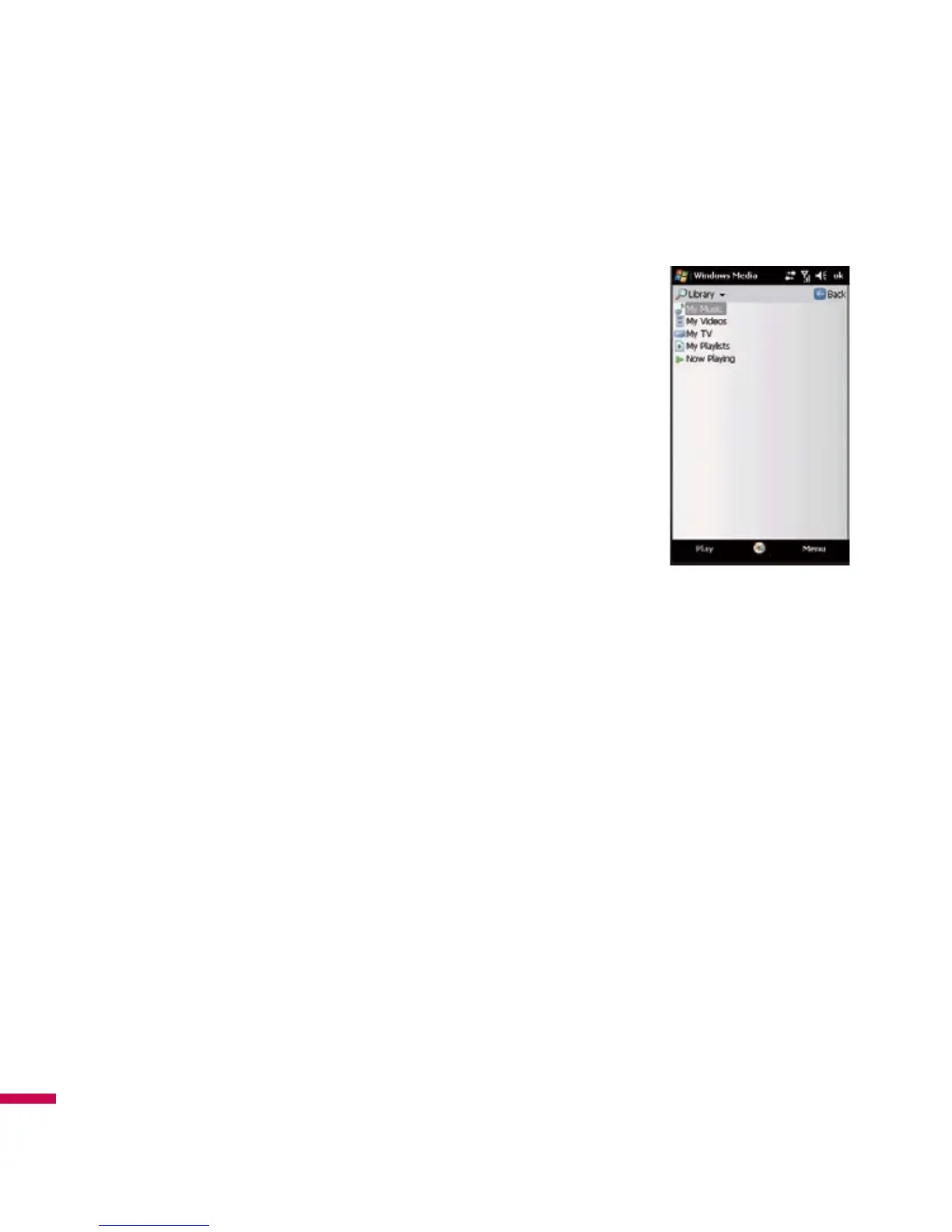
Library Screen
The screen that lets you quickly find your audio files, video files, and
playlists. It contains categories such as
My Music
,
My Video
,
My TV
, and
My Playlists
.
When you are viewing the Library screen, the following commands appear
on
Menu
.
v
Queue Up:
Adds the selected item to the end of the current
Now
Playing
playlist.
v
Delete from Library:
Deletes the selected item from the library.
v
Now Playing:
Displays the
Now Playing
screen.
v
Library:
Displays the
Library
screen so you can choose a file to play.
v
Update Library:
Adds new items to the library by searching your device
or storage card.
v
Open File:
Lets you find and play files that are stored on your device or storage card but that are not in
the library.
v
Open URL:
Lets you play a file on a network, such as the Internet.
v
Properties:
Displays information about the selected file.
At the bottom of each screen is a menu called Menu. The commands on this menu change depending
upon which screen you are viewing.
Multimedia
Multimedia



 To Next Page