157
Settings
Configuring Wi-Fi Connection Settings
Note
Before you set the WLAN configuration, you need to ask your WLAN service provider or your network
administrator for the IP settings.
v
Tap
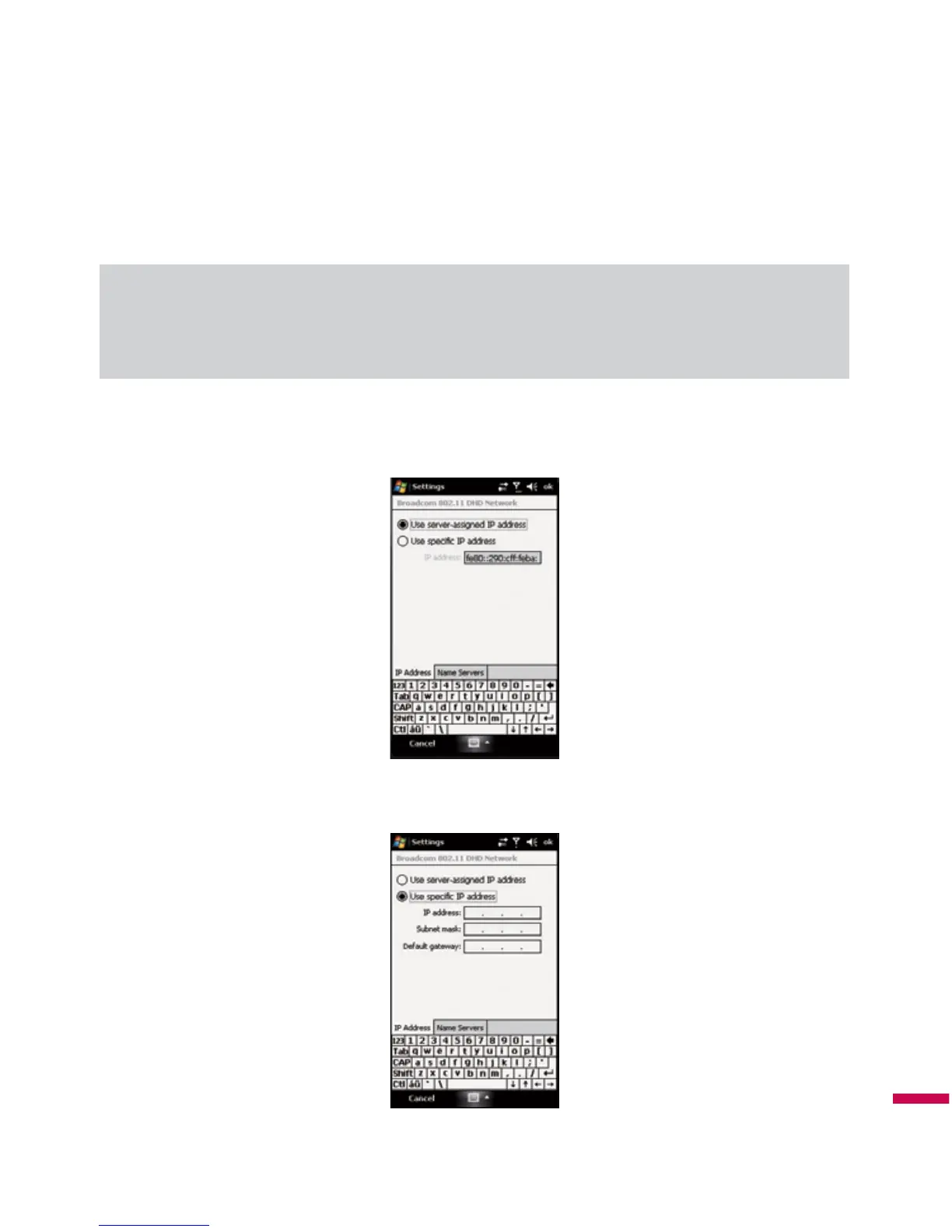
Start > Settings > Connections tab > Wi-Fi > Network Adapters tab.
v
Tap
Network Adaptor
tab and select
Broadcom 802.11 DHD Network
.
v
If you tap Use server-assigned IP address, you can get IP settings assigned automatically.



 To Next Page