156
Settings
Settings
v
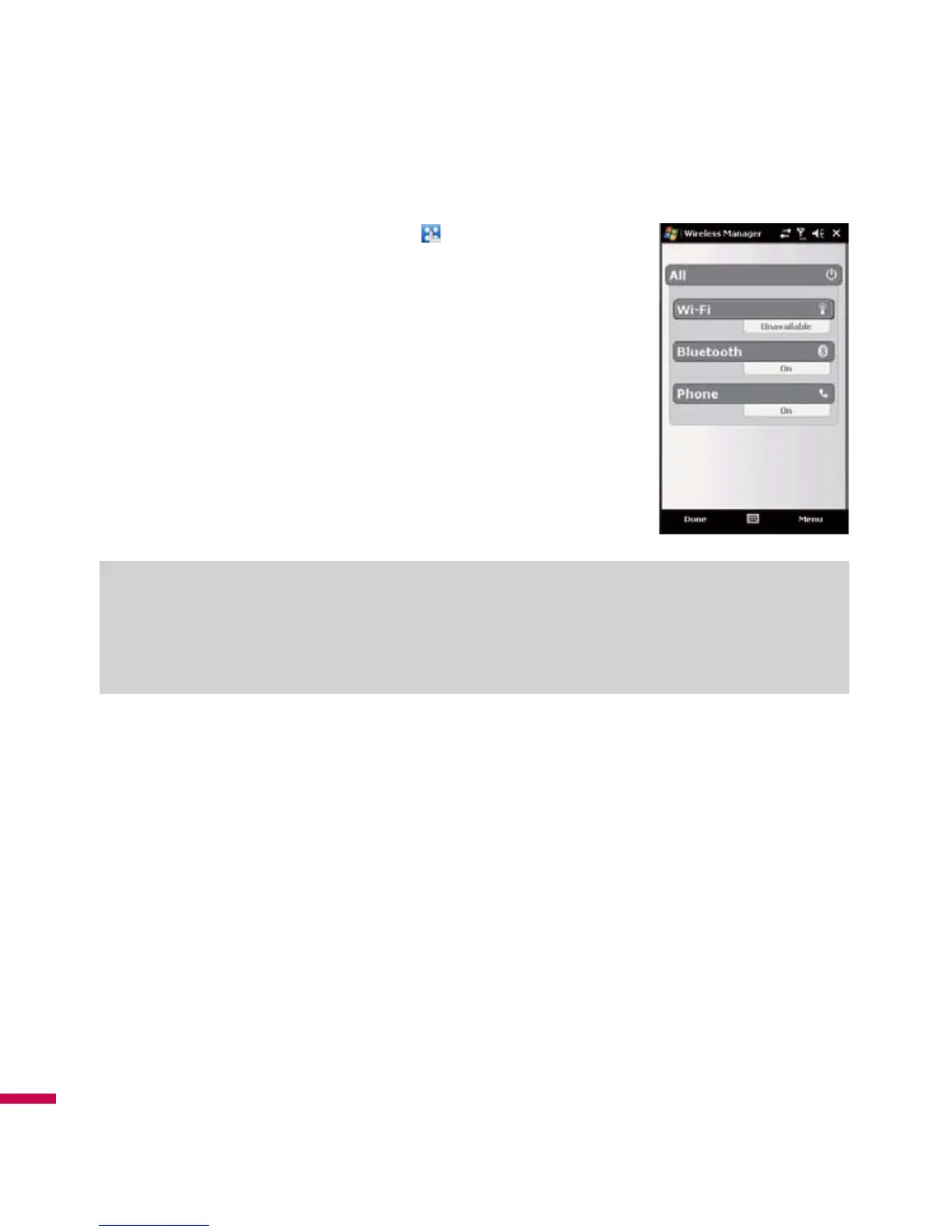
Tap
Wireless Manager
in Today screen or
(
LG Menu
)
>
Settings
>
wireless Manager
.
v
To turn on Wi-Fi, tap
Wi-Fi
.
A bubble window pops up and shows scanned appropriate Access Points
near users.
v
You can select the Access Point that you are permitted to access and
tap
OK
.
v
Then select The Internet to have an Internet service and tap Connect.
Note
If your Wi-Fi service provider or network administrator sets WEP encryption for network security, you
should fill in WEP key in the pop-up window. If WEP encryption is not set, this pop-up window is not shown.
If you don’t know the key, you need to ask it to your Wi-Fi service provider or network administrator.
If Wi-Fi connection is finished, you can see the connection name (SSID) in the Wireless Manager.
To turn off Wi-Fi, tap Wi-Fi in the Wireless Manager again.



 To Next Page