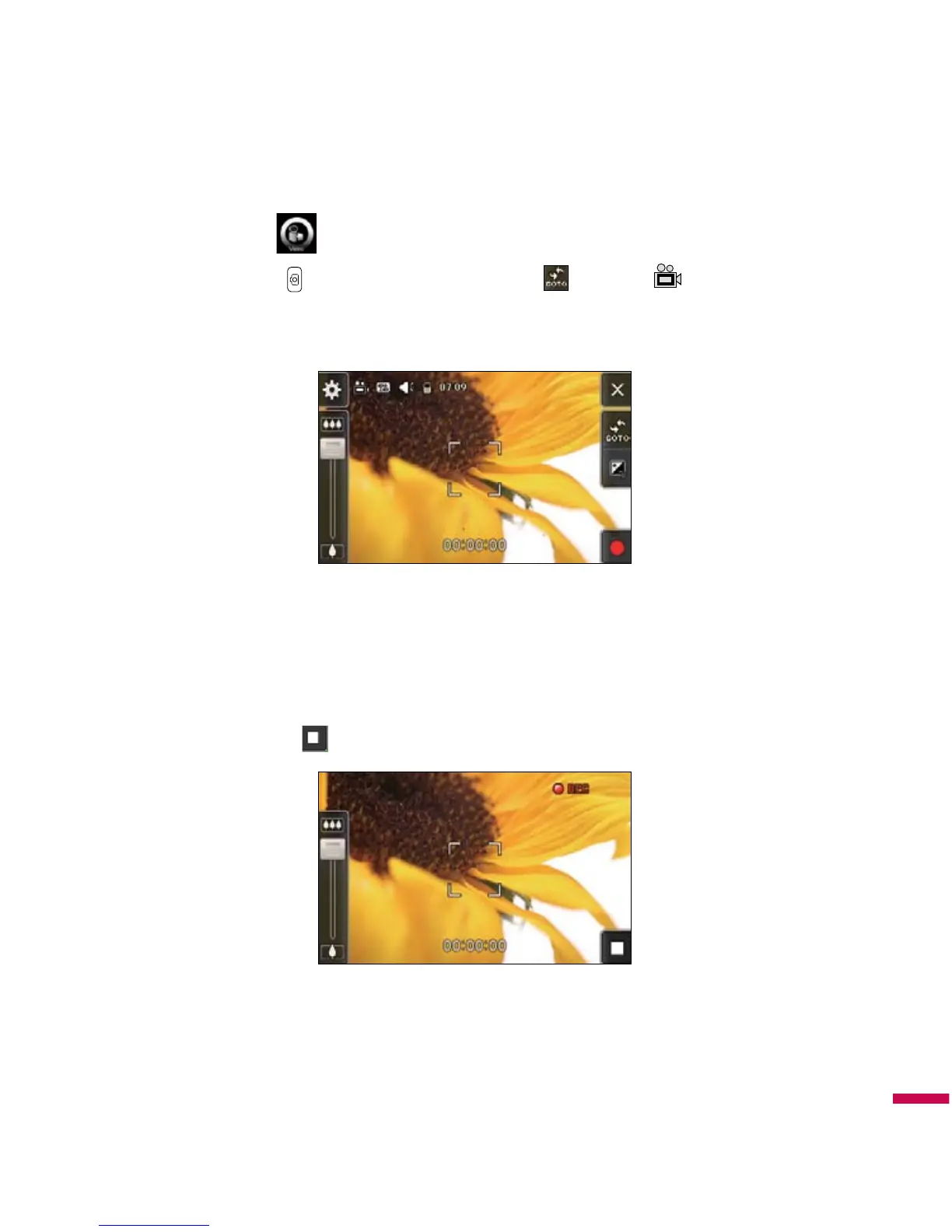
. On camera capture mode, press and select ' Video' row to change
mode to video camera.
2.
As soon as it starts to record a timer wil be displayed.
Settings for video camera are same as camera except of
Video Size
,
Voice
,
Record mode
.
v
Video Size:
128*96 , 176*144, 320*240, 400*240
v
Voice:
Mute / Unmute
v
Record mode:
MMS / No Limit / Video Share Call
3.
Press the hotkey or touch button to end the recording and this will now be saved.
v
Notice:
Various notifications will appear according to orientation of shell before entering the camera
application.
Multimedia



 To Next Page