163
Settings
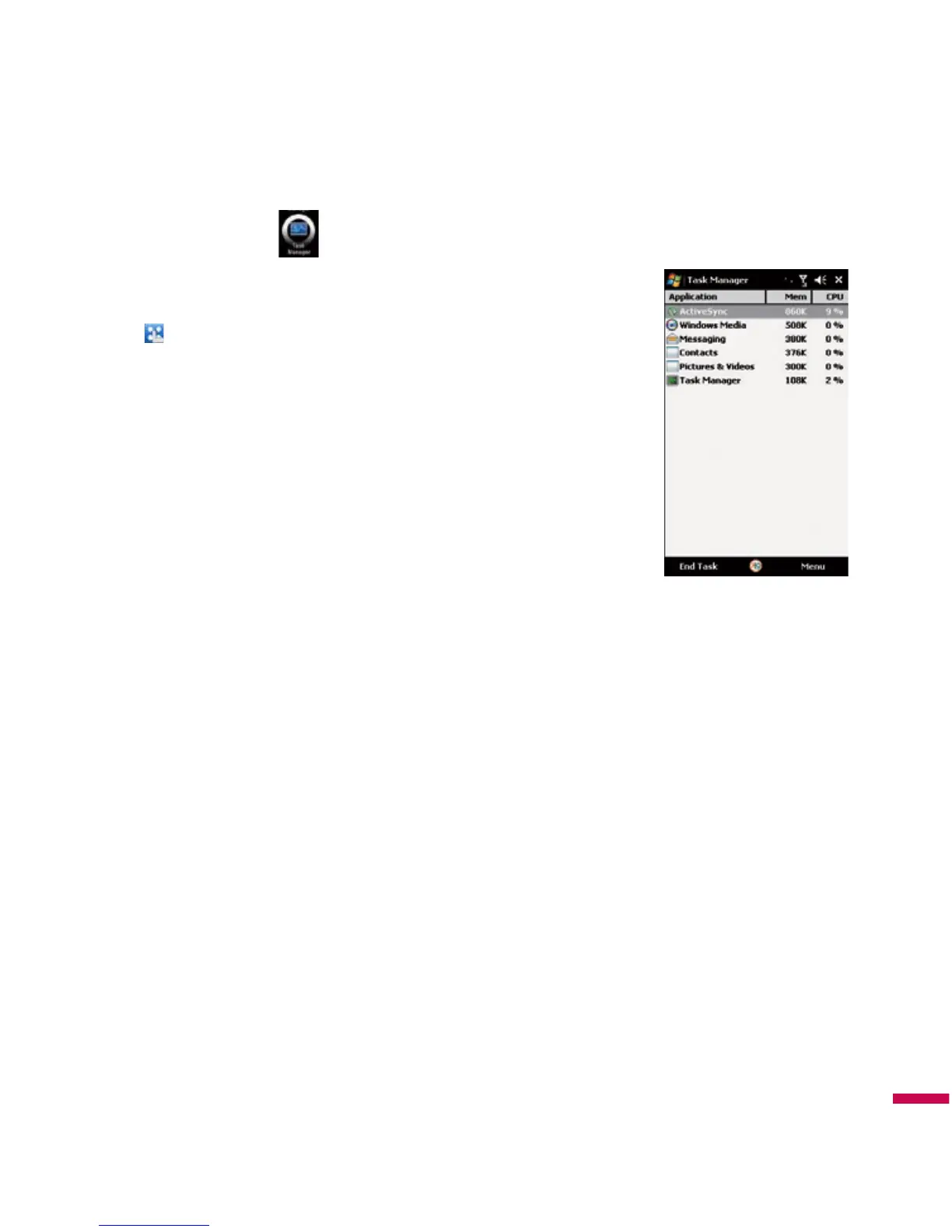
Task Manager
In most cases, programs automatically close to free needed memory,
however, you can close programs manually, if you prefer.
1.
Tap
(
LG Menu
) >
Settings
>
Task Manager
.
2.
You can check the running programs list on Application column and
there Memory and CPU information.
3.
You can end the programs manually by tapping
End Task
.



 To Next Page