Section 1. Overview of the 7200-101 Flow Module
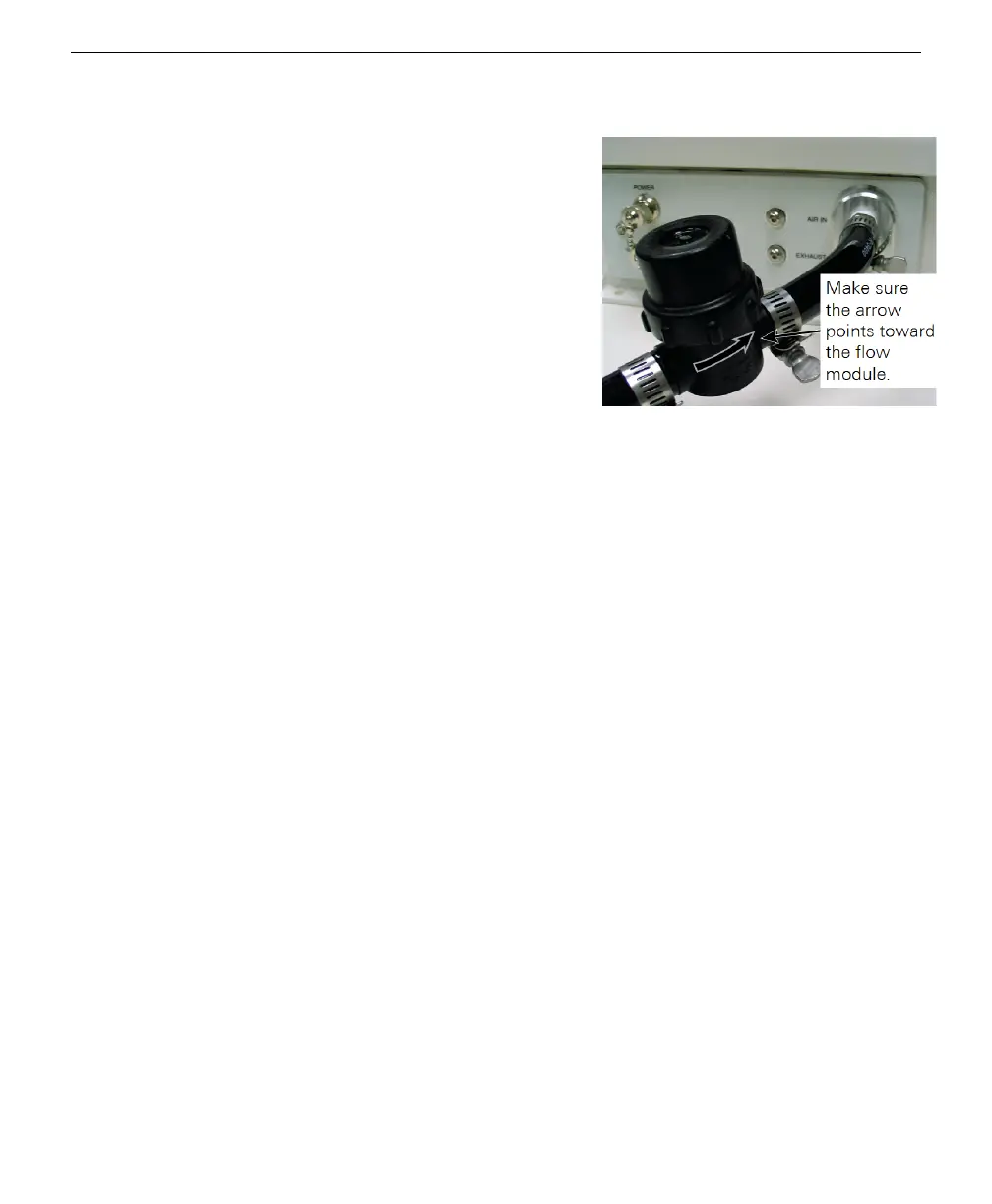
Figure 1-3. Note the orientation of the
arrow on the body of the air filter, and
clamp onto the short length of tubing.
You can now clamp the long length
(however long you determine is needed
to run to the LI-7200/RS sensor head) of
tubing onto the other end of the air filter,
and run the tubing to the AIR OUT port
on the LI-7200/RS sensor head (the
7200-101 draws air through the sensor
head).
Note that the LI-7200/RS sensor head
ships with two Swagelok fittings installed
in the air inlet and outlet ports. You will
need to remove the Swagelok fitting on
the AIR OUT port and install the ¼” hose
barb (part number 300-11180, in the
spares kit) to attach the Tygon tubing. Clamp the tubing at the hose barb on the
LI-7200/RS sensor head with a hose clamp from the spares kit. The finished cabling
configuration (including optional 7550-101 Auxiliary Sensor Interface and sonic
anemometer) might appear something like that shown in the illustration below.
1-4 7200-101 Flow Module



 To Next Page