l The power cable provided is 5 meters long. Longer cables can be purchased
through distributors of Turck, Inc. Note, however, that longer cables will cause
voltage drops. A minimum of 10.5 V, 50 W must be available to the 7200-101
Flow Module.
l A ground lug is provided on the Flow Module front panel for connection to
earth ground, if desired.
Using the 7200-101
The 7200-101 air flow can be controlled and/or monitored manually, using the con-
trol panel inside the case, or via software with the LI-7200/RS Windows application
software (when connected to an LI-7550 with the LI-7200/RS sensor head
attached).
Controlling Flow with Manual Controls
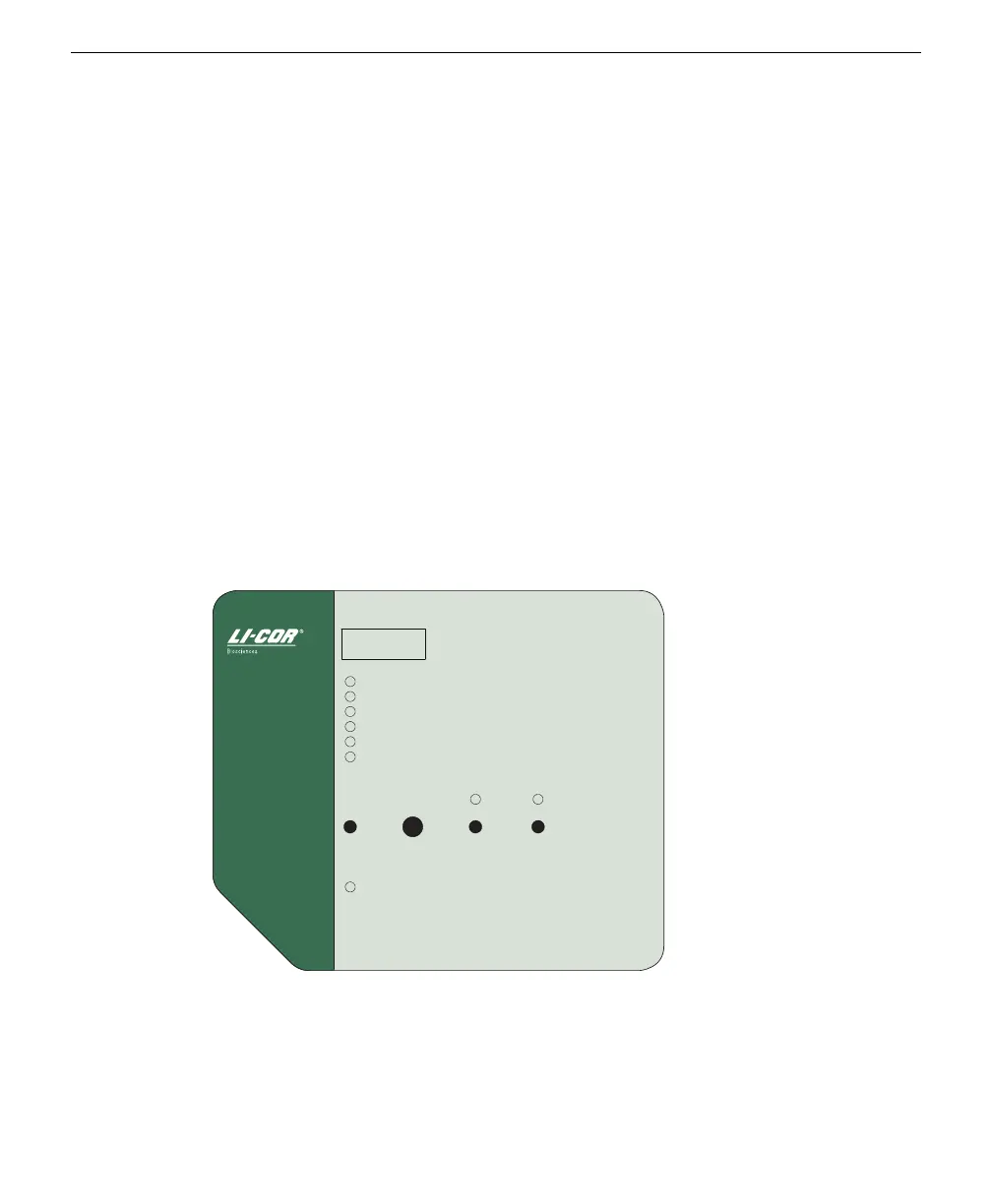
The control panel appears as shown below; it consists of a display, adjustment
knob, LED indicators, and push buttons to select certain functions.
Measured Flow SLPM
Set Flow SLPM/%
Pressure Drop kPa
Motor Drive %
Address
Power Save
Menu
Power
Adjust Store In
Memory
In Memory Flow ON
Flow ON/OFF
7200-101 Flow
Control Module
15.1
Figure 1-5. 7200-101 control panel. Press the Menu button to select a different variable.
Turn the Adjust knob to change the setting.
There are six LEDs below the display that are toggled with the menu button; the
display will change according to which LED is active. If, for example, the Measured
Section 1. Overview of the 7200-101 Flow Module
1-7Using the 7200-101



 To Next Page