4.3.- KEY FUNCTIONS
The Controller MASTER control VAR FAST has 5 keys that can be used to browse the vari-
ous screens and program the unit.
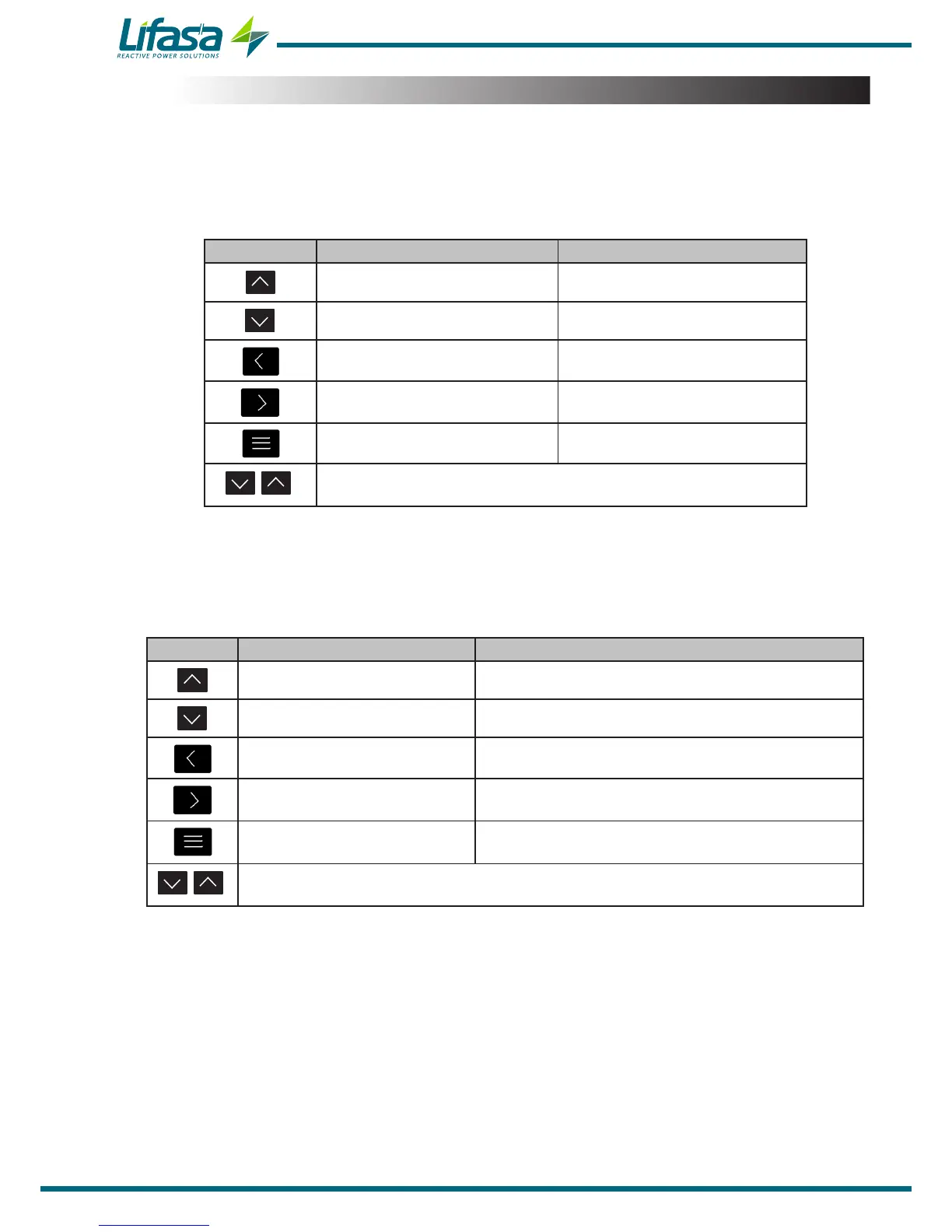
Key functions on the measurement screens (Table 6):
Table 6: Key functions on the measurement screens�
Key Short press Long press (3 s)
Previous screen -
Next screen -
Display minimum value Delete minimum values
Display maximum value Delete maximum values
Next parameter Enter the programming menu
Very long press (10 s�)
Enter the Test screens
Note: See “4.6.1. MEASUREMENT STATUS” for further details.
Key functions on the Conguration and Test screens, query mode (Table 7):
Table 7: Key functions on the Conguration and Test screens, query mode.
Key Short press Long press (3 s)
Previous screen Test: Manual connection of the selected capacitor
Next screen Test: Manual disconnection of the selected capacitor
Previous parameter
Next parameter
Conguration: Edit mode
Test: Start AutoTest
Test: Cancel the AutoTest process
Very long press (10 s�)
Exit the Test screens
Note: See “4.6.2. TEST STATUS” and “5.- CONFIGURATION” for further details.
28


 To Next Page