Press to validate the data; the symbol disappears from the display.
Press the key to access the next programming step.
If no keys are pressed for 5 minutes, the unit switches to the simulation screen, “5.27.-
SIMULATION SCREEN”.
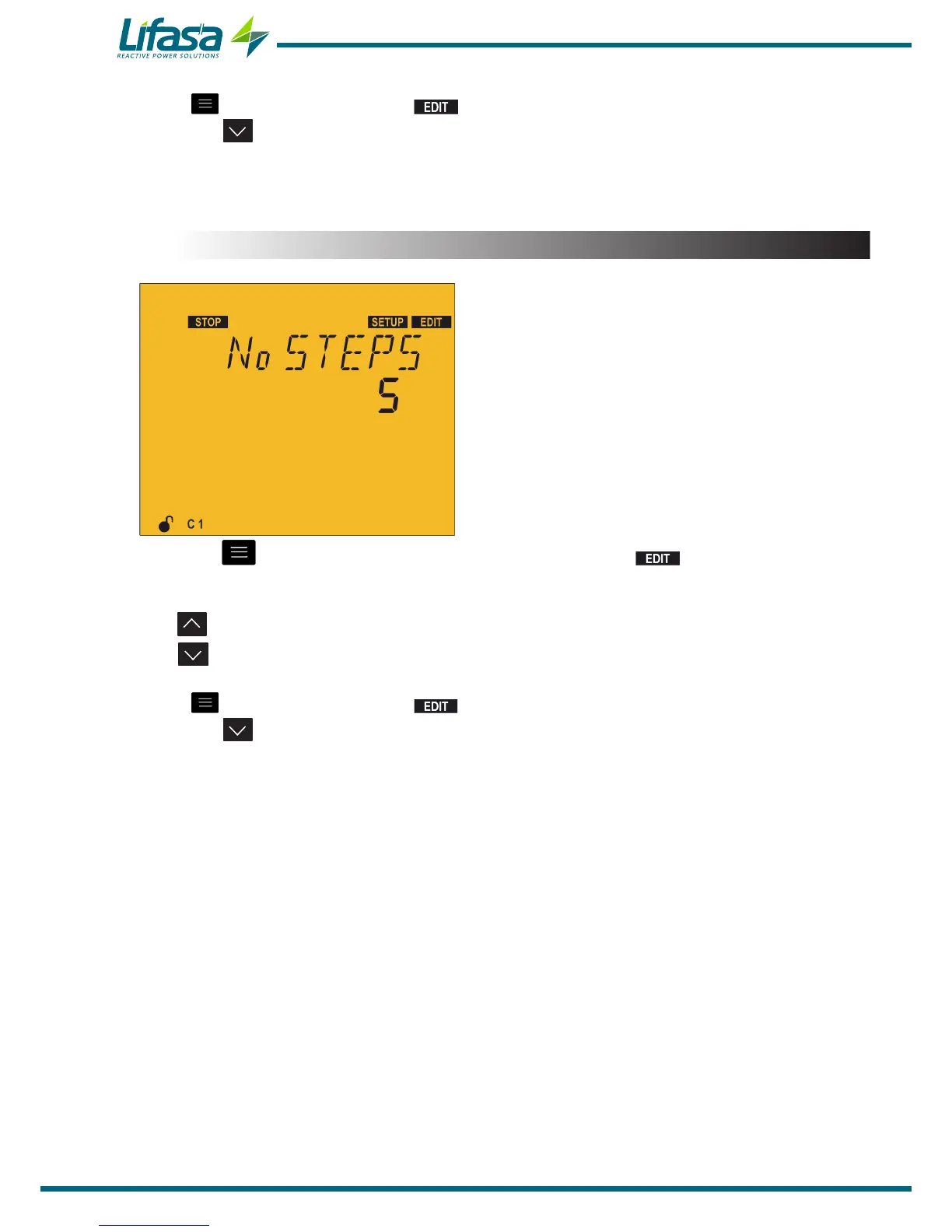
5.7.- NO. OF STAGES
In this point the number of stages is selected, in
other words the number of relay outputs that the
unit will have.
Depending on whether the model is Controller
MASTER control VAR FAST 6 or Controller
MASTER control VAR FAST 12, it can be
configured with up to 6 or up to 12 outputs.
Press the key to enter editing mode. It is identified by the symbol and the blinking
of the digits to be modified.
The key shows the next option.
The key shows the previous option.
Press to validate the data; the symbol disappears from the display.
Press the key to access the next programming step.
If no keys are pressed for 5 minutes, the unit switches to the simulation screen, “5.27.-
SIMULATION SCREEN”.
80


 To Next Page