40
Using Programs
Preset Programs
There are numerous programs available to help you add structure and
variety to your exercise program. For more information about these
programs please refer to the About Your Elliptical section of this Owner’s
Manual. To use one of the Preset Programs follow the steps below:
A. Select Program – Press the Level + / - buttons on the keyboard to cycle
through the program list, or use the Program Buttons to nd your de-
sired program then press Enter to complete the selection.
B. Select Level or Ramp Mode – You can choose to run each program in
either Level or Ramp mode. Press the +/- buttons on the keyboard to
make your selection and then press Enter.
C. Set Program Level – There are 2 levels of intensity with each preset pro-
gram (1 being the easiest and 2 being the most dicult). Press the Level
+/- buttons to select the desired level then press Enter.
D. Set Time – Set the program Time of your workout by pressing the Level
+/- buttons then press Enter.
E. Set Weight – Set your Weight in the console for more accurate calorie
calculation by pressing the Level +/- buttons then press Enter.
F. Press the Start button to begin your workout.
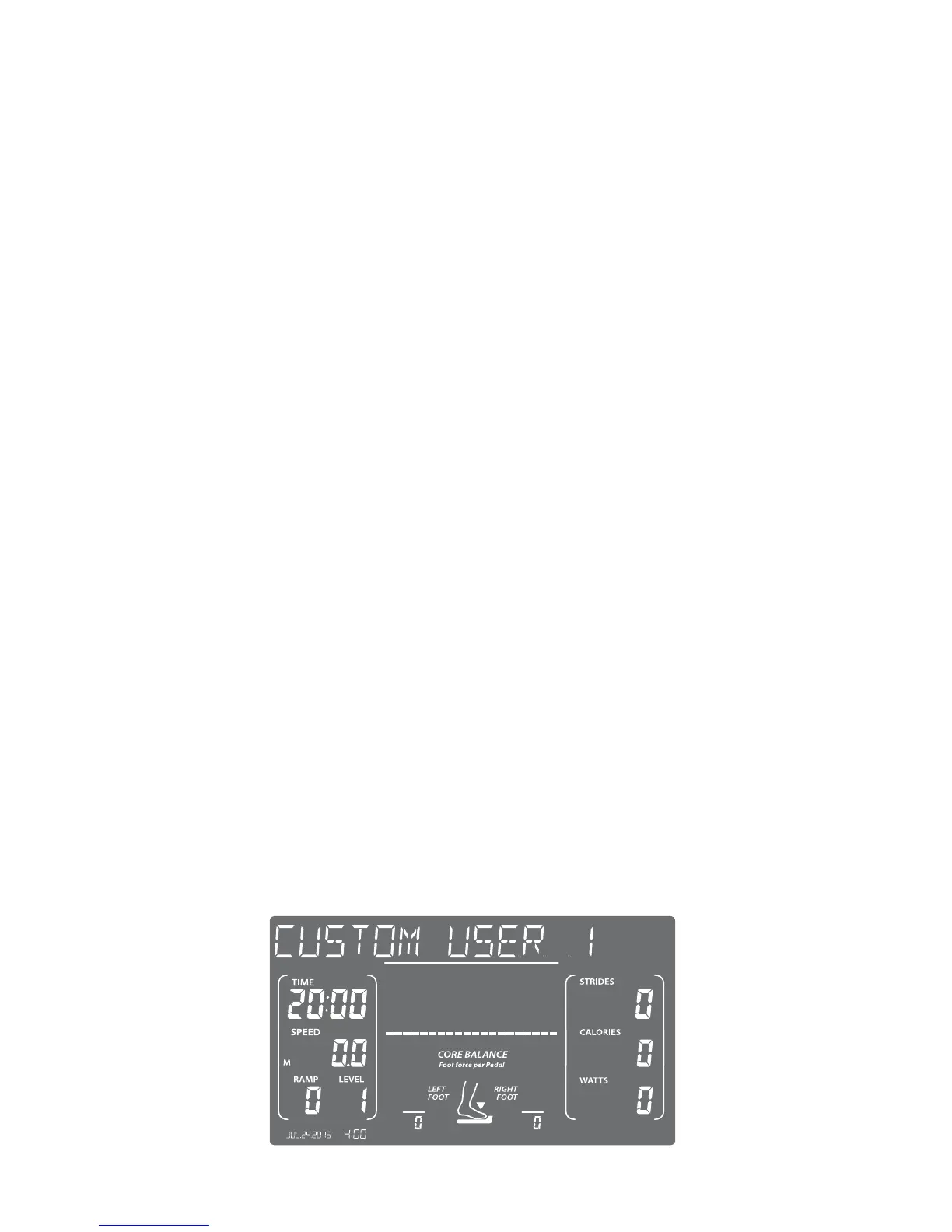
Custom User Set-up Programs
There are 2 user programs that provide you with the ability to establish
customized program proles specic to your workout requirements. Once
these programs are completed they are saved by the console and can be
selected like any other preset program. Complete the following steps to set
up a user program:
A. Select USER1 or USER2 Programs – Press the Level +/- buttons to select
the USER1 or USER2 programs then press Enter.


 To Next Page