42
Using Programs
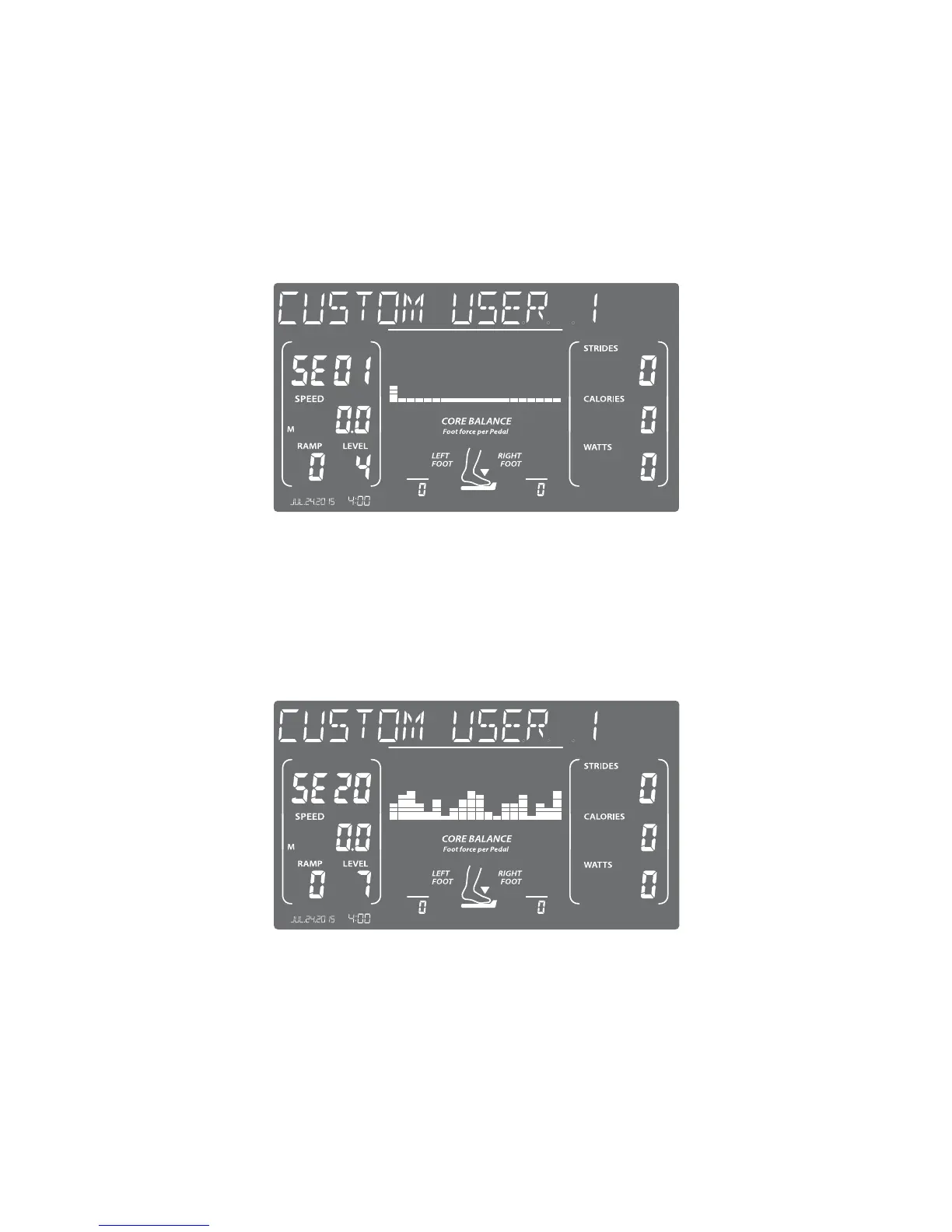
D. Set Level – Use the Ramp up/down buttons to set the Ramp level of the
rst program segment and the Level +/- buttons to set the desired Level
of the rst program segment. You can also use the Quickset™ buttons for
Ramp and Level to expedite the process. Press Enter.
E. Repeat – Repeat Step D until the 20 segments are complete. The twenti-
eth segment will be shown in the Time window as shown below.



 To Next Page