Lighthouse S3100/S5100/Boulder Counter Operating Manual
3-10 248083389-1 Rev
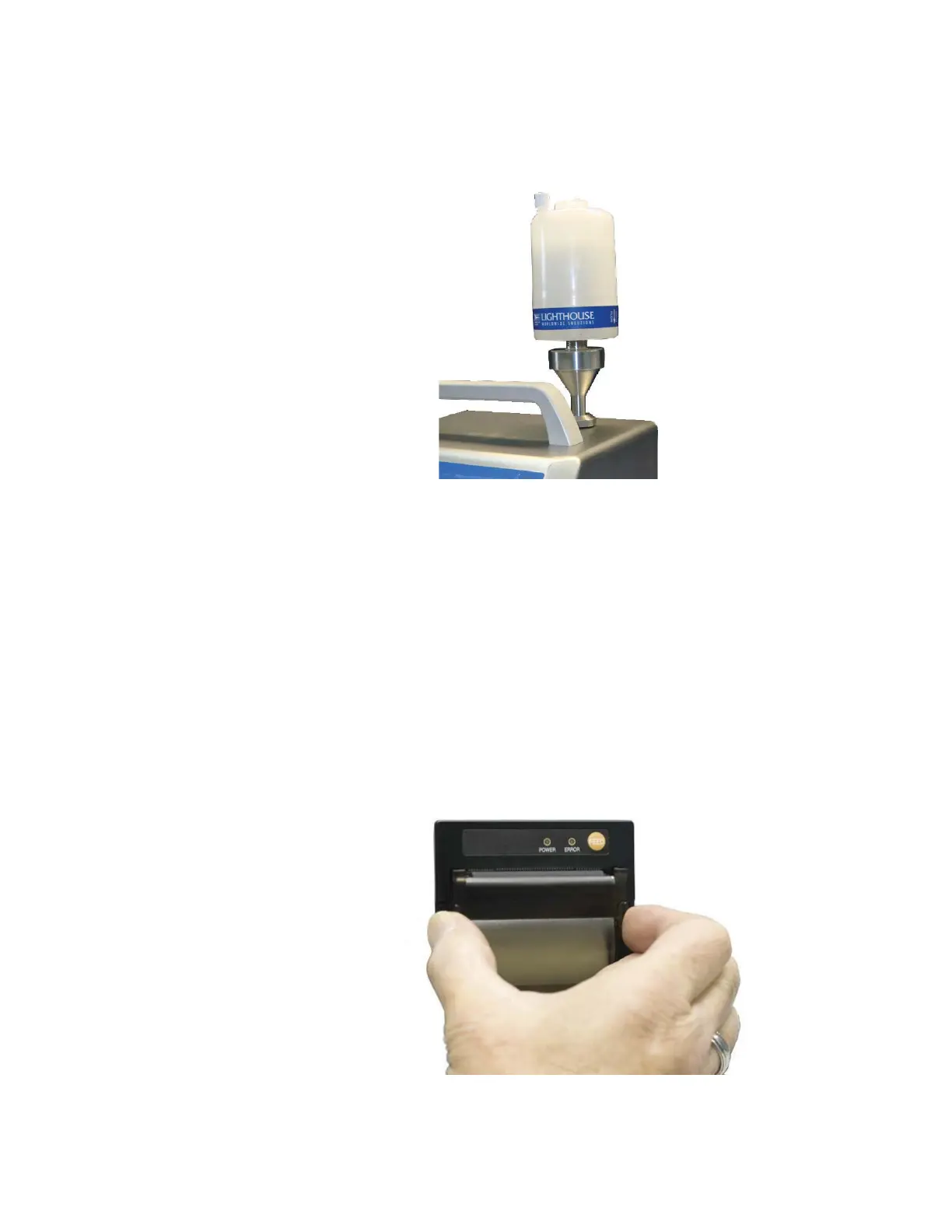
6. The O-ring in the ISP filter cap will create a seal against the top of
the ISO probe. See Figure 3-11.
Figure 3-11 ISP Filter Cap Installed
7. Reverse steps 1 through 6 to remove the filter cap and probe from
the instrument.
Loading Printer Paper
The SOLAIR Boulder Counter comes standard with a built-in thermal
printer. The printer is optional for Solair 3100, 5100.
Note:
Thermal paper
must be used. The printer
will not print on regular
paper.
To load the thermal paper, follow these directions.
1. Grasp each side of the top of the printer door and pull outward to
open.
Figure 3-12 Opening printer door










 To Next Page