TruScan 532 Single - Wavelength – Operators Manual Rev. No 02 Page 36 of 114
B. LCD Control Panel Display Screen
This system software features several types of screens, as well as pop-up windows that
display on the screen.
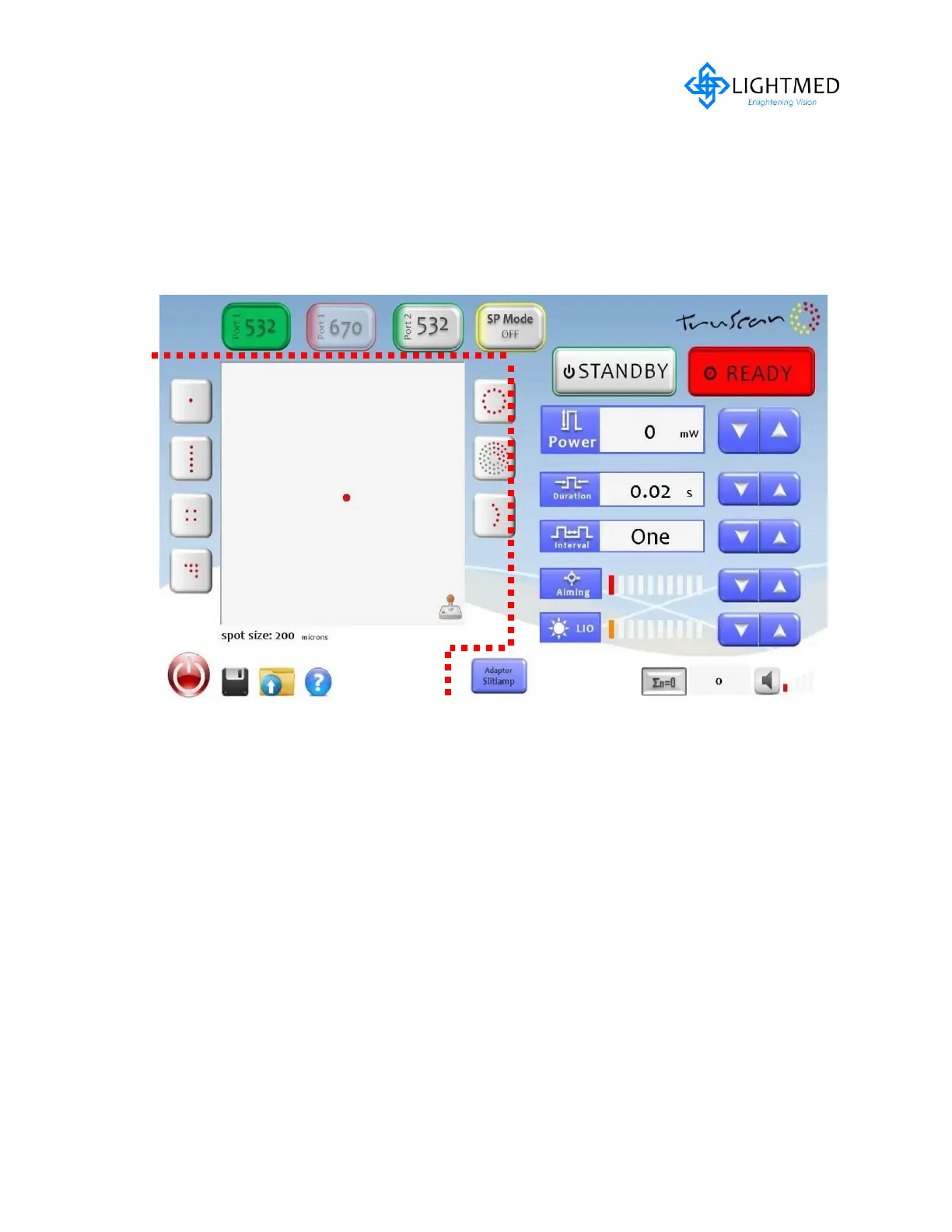
The screen is divided into two major portions. Left hand side of screen is called the
pattern scanning screen and the right hand side is the console screen (refer to fig. 4.5).
Figure 4.5 Screen shot display
Pattern Scan Control Screen



 To Next Page