TruScan 532 Single - Wavelength – Operators Manual Rev. No 02 Page 85 of 114
5.6 Initialization the Equipment
Prior to power on the system, ensure all the connectors and connections are in place and
the electrical standard is met the system specification. The initialization procedures are
outlined as follows:
A. LCD / Console Validation
1. Power on the LCD and wait for the software to boot up completely without any
issue or warning
2. Check for any abnormality or error code process (refer to troubleshooting
section 8)
3. Disengage the emergency button, interlock plug-in and plug in the key into
keyhole and turn the key-switch for power on the console
4. Validate if there is console establish communication with the LCD without any
abnormality or error code process (refer to troubleshooting section 8)
otherwise proceed to next
B. Console Control Panel and Aiming Integrity Validation
5. Engage the 'Treat' mode validate if system is activated and aiming spot size
is also enable and consistently enlarge from the small to large (50-1000μm)
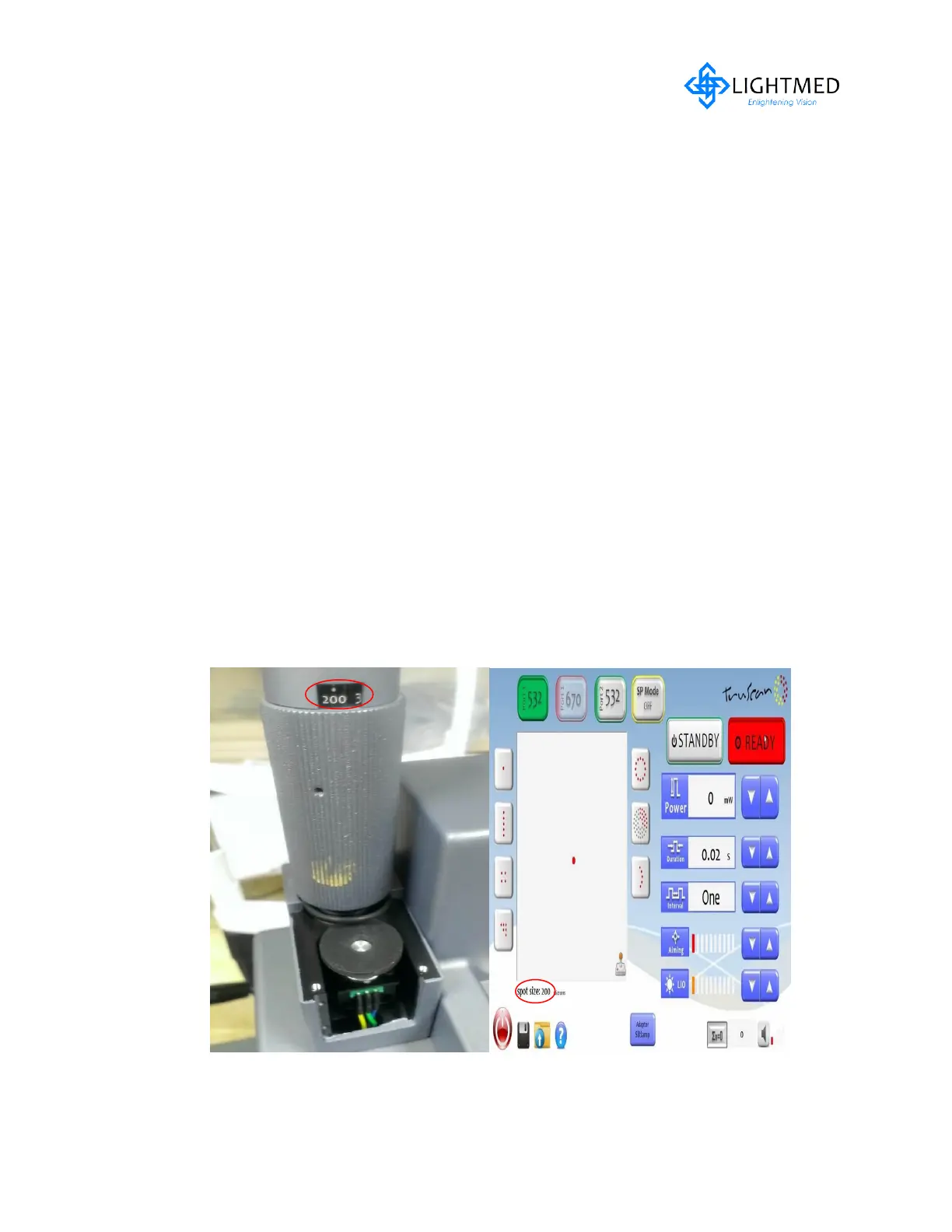
6. Validate if the zoom pc marked spot size vs. display spot size values are
accordingly when rotating the pc otherwise follow through the below
procedures:



 To Next Page