TruScan 532 Single - Wavelength – Operators Manual Rev. No 02 Page 42 of 114
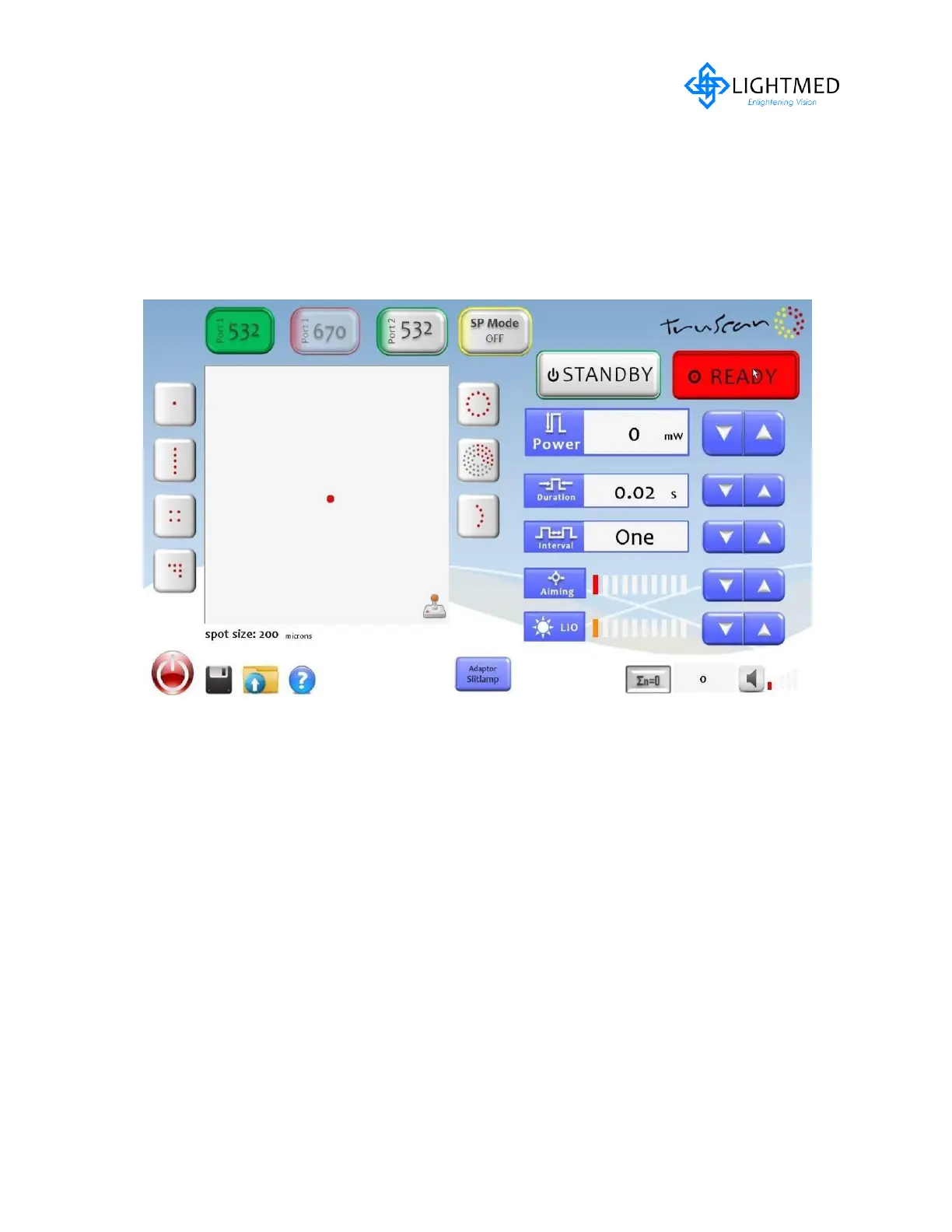
1. Single Spot
This function can be selected or activated by touching the screen and button will
submerge when it is activated. In this mode the spot could be off the center
position when activated. The micro-joystick VR is to control back to its preference
position. This means that the system will record the last position. The final or pre
selection will display in the pattern display area.
Available parameter setting can be selected as follows:
- Spot size:50μm~1000μm


 To Next Page