TruScan 532 Single - Wavelength – Operators Manual Rev. No 02 Page 83 of 114
4. Fit the headpiece onto your head and adjust the two knobs to align the
Interpupillary distance
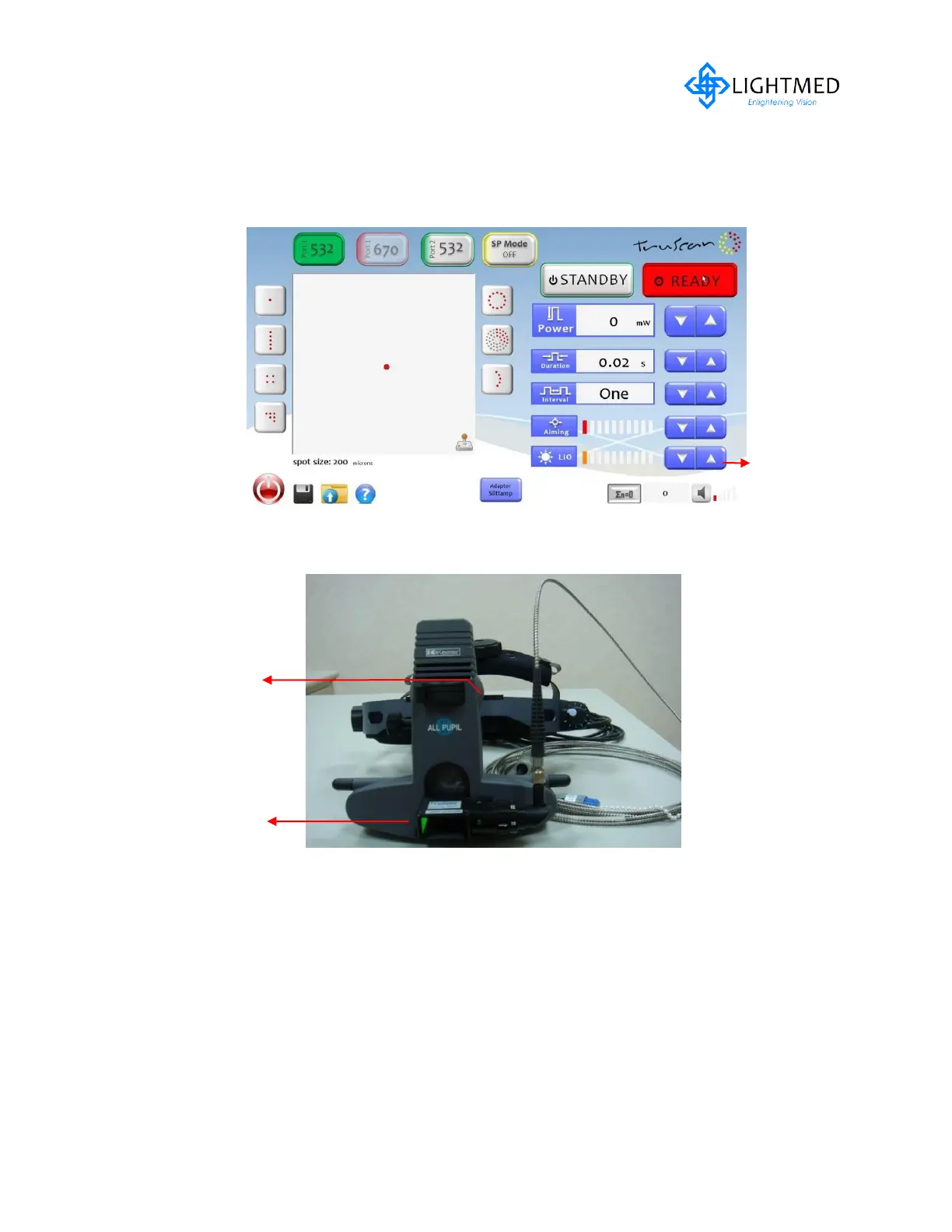
5. Verify illumination intensity integrity by adjusting the LCD LIO illumination
control knob (refer to fig. 5.16c)
Figure 5.16 (c) LCD LIO Intensity Control
Figure 5.16 (d) LIO Control Knob
6. Verify the spot size or zoom system is accordingly (from smallest to largest
size)
7. Ensure the different light aperture setting is also functioned accordingly
(refer to fig. 5.16d)
8. Ensure aiming spot light is able to tilt in up/down position (refer to fig. 5.16d)
Light Aperture
Setting Control
Aiming spot
light up/down



 To Next Page