21
2. Setup & Use
3. Optional
Accessories
1. Overview
5. Warranty, Safety
& Specifications
4. Troubleshooting
LT71: Initial Set-up
Once the LT71 is charged, follow these steps to set it up for use.
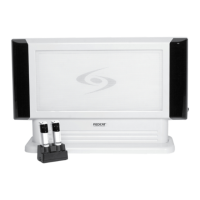
1. Turn the 705iR power switch to the
on position. The red LED on the
switch will glow.
2. Turn on the LT71 and set the
operating channel to “B”.
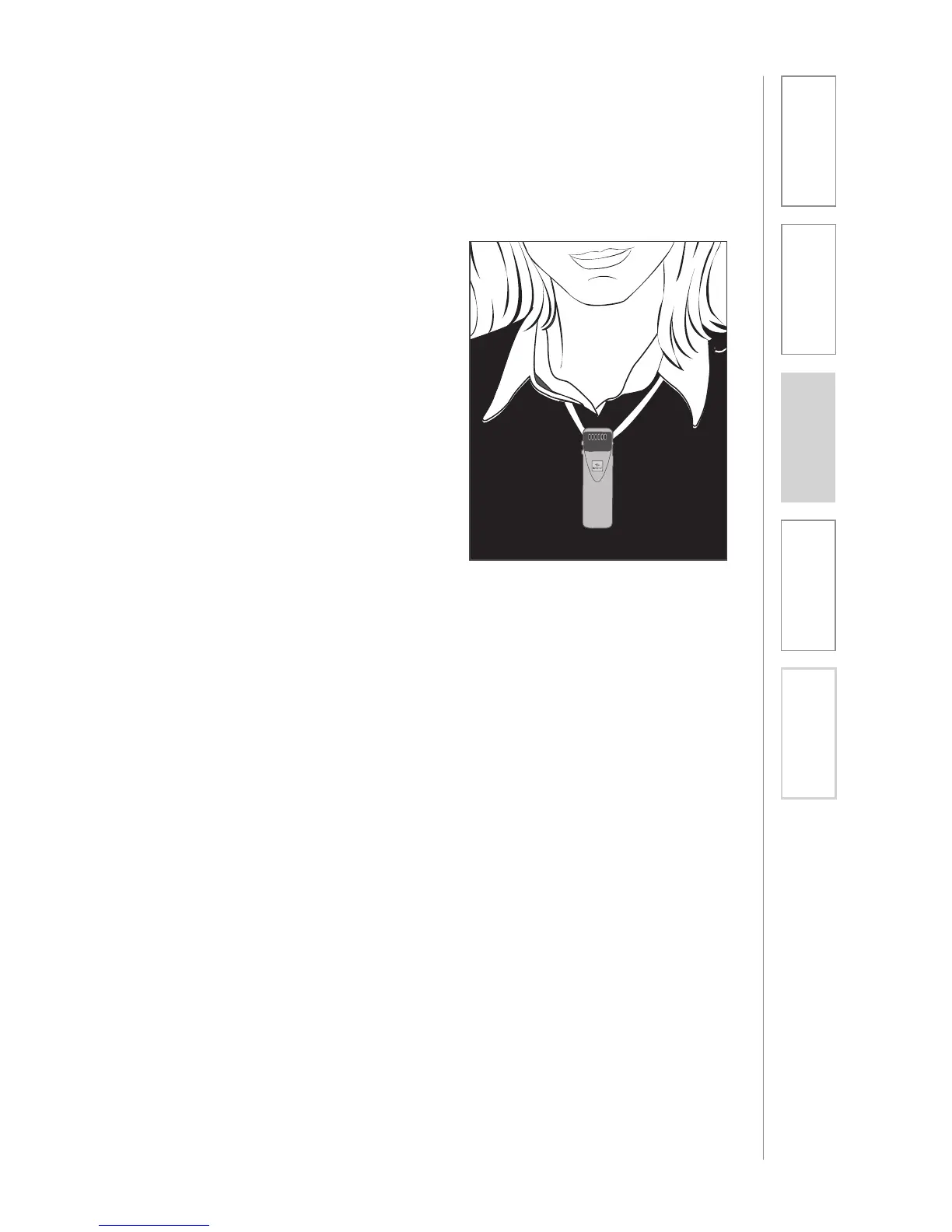
3. Slip the LT71 with lanyard around
the neck and position the top of
the microphone just below the
collarbone. NOTE: Positioning
of the LT71 is critical for proper
volume adjustment.
4. While speaking in a normal voice
slowly increase the volume for
channel B on the 705iR until your
voice is barely audible.
REMEMBER: This equipment
supplements the user’s voice
so they are able to speak in a
conversational tone. Having the
volume set too high will result in
feedback and listener fatigue.


 To Next Page