25
2. Setup & Use
3. Optional
Accessories
1. Overview
5. Warranty, Safety
& Specifications
4. Troubleshooting
BA-NH10PACK
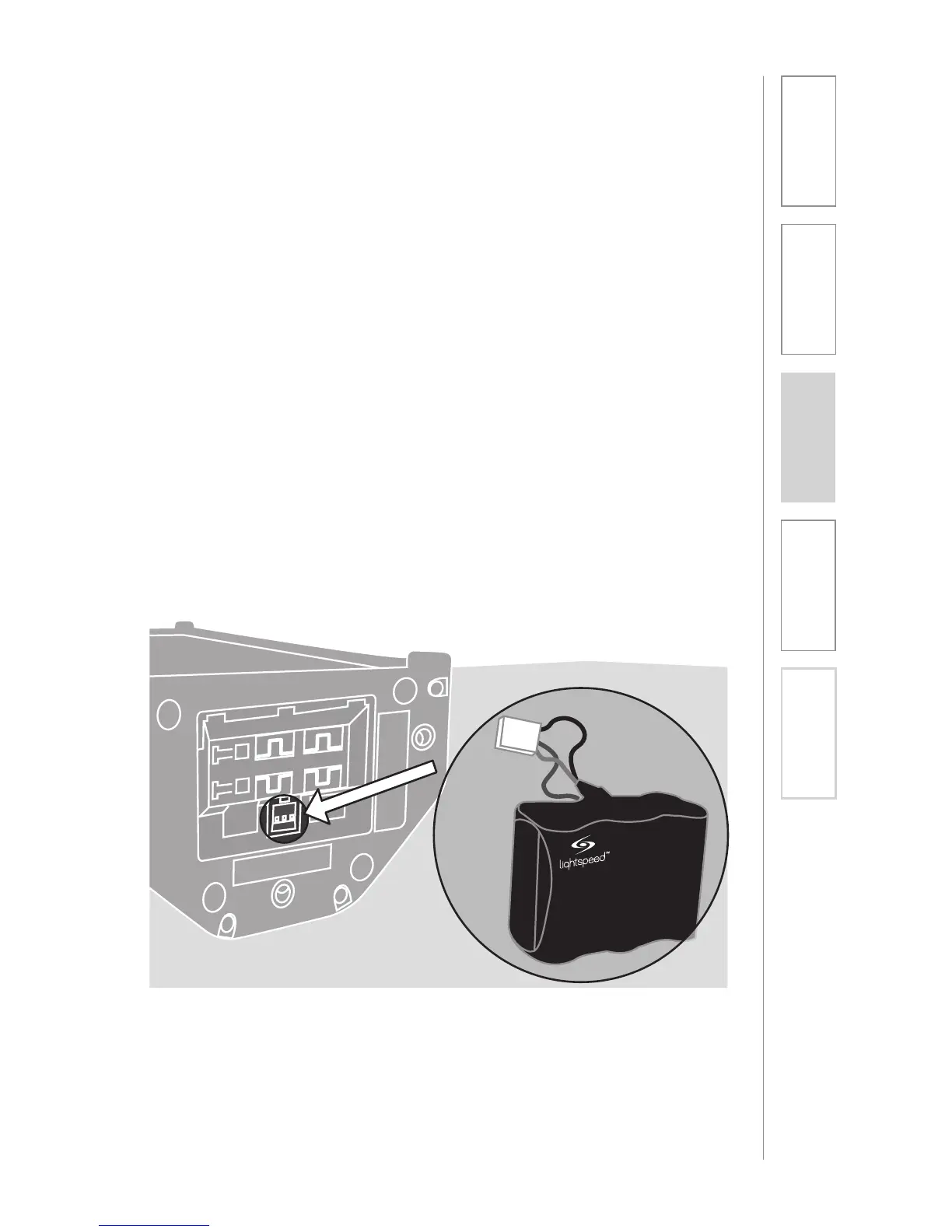
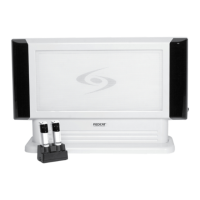
705iR Battery-pack Installation
1. Remove the battery door on the
bottom of the 705iR.
2. Pull the existing battery out and
disconnect the cable.
3. Plug the new battery into the jack
in the 705iR (as shown).
4. Insert the battery pack into the slot.
5. Re-attach the battery door.
6. The unit should be charged for 10
hours before use to ensure full
battery life.
The battery-pack is pre-installed into the 705iR when you receive the system.
However, should the battery-pack require replacement at sometime during the
life of the product, please refer to the following instructions.


 To Next Page