January 2008 3
About this guide
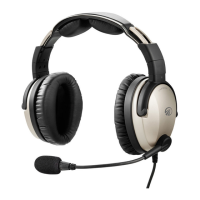
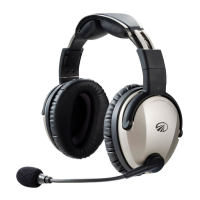
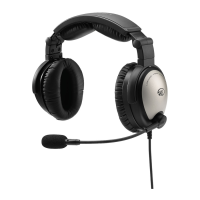
This guide describes how to set up and use your Zulu
®
ANR aviation headset for the best
sound quality, Active Noise Reduction (ANR), safety, and comfort.
Where to find key information
How to contact Lightspeed
Visit our website: www.lightspeedaviation.com
Call us: 800-332-2421
Fax: 503-968-7664
Email: sales@lightspeedaviation.com or service@lightspeedaviation.com
For information on… See…
How to fit your headset for the best sound,
comfort, and noise reduction
“Fitting your headset” on page 4
How to use Zulu’s controls and features “Using your Zulu headset” on page 6
“Using auxiliary devices” on page 9
How to set up and use Bluetooth
®
devices “Using a Bluetooth device” on page 10
When to choose stereo or mono settings “Matching Zulu’s Stereo/Mono setting to
your audio panel signal” on page 8
How to turn down music automatically during
radio communications
“Using Auto MusicMute to quiet auxiliary
devices” on page 7
How to get the best sound from your Zulu
headset
“Getting the best possible performance from
Zulu” on page 8
Answers to commonly asked questions “Frequently Asked Questions” on page 14
ZuluUG_online.book Page 3 Thursday, December 27, 2007 9:50 PM


 To Next Page