5
2022-07-19
PRO Master
System Mode:
Normal run
4
1
1
1
2
3
4
5
6
7
8
3
2
5
6
8
7
lindab | commissioning guide
We reserve the right to make changes without prior notice
FireSystemPro
1.4 PRO-M push buttons
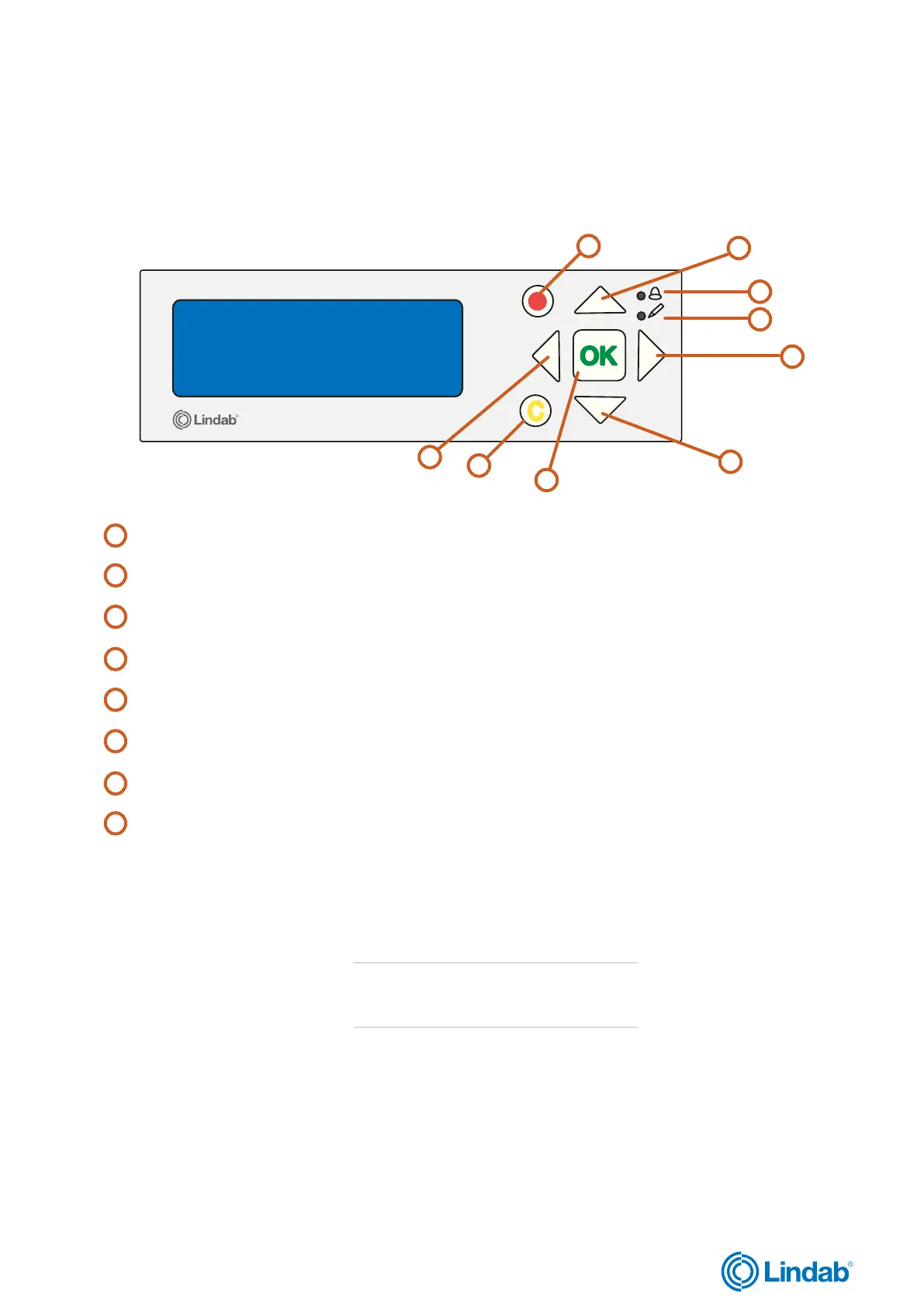
The Pro-M master unit has a pre-programmed controller with a backlit internal display. The different menus and settings are
easily accessible and controlled by push buttons on the front of the unit.
“Up/Down” buttons: Used to navigate through menus and change values
”Back” button: Used to go back to the previous page
“Forward” button: Used to enter menu pages
“OK” button: Used to edit and confirm changed values
“Alarm”: LED light blinks in case of alarm
“Write”: LED light blinks when values can be changed on current page
Red button: Used to go directly to alarm acknowledgment page
C button: Used to exit value editing
1.5 PRO-M access codes
In order to access and enable particular operations and settings in the PRO-M master unit, a valid access code is required to
be entered.
Admin - access code: 1111
• Status overview
• System Setup
• Settings
• Manual/Auto
Service - access code 2222
• Service
• System Setup
• Manual/Auto
Operator - access code 3333
• Status overview
• Settings
Attention!
Change password after the first admin login
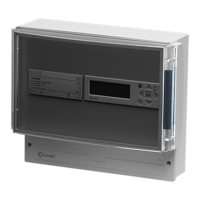
Figure 2: PRO-M controller


 To Next Page