16
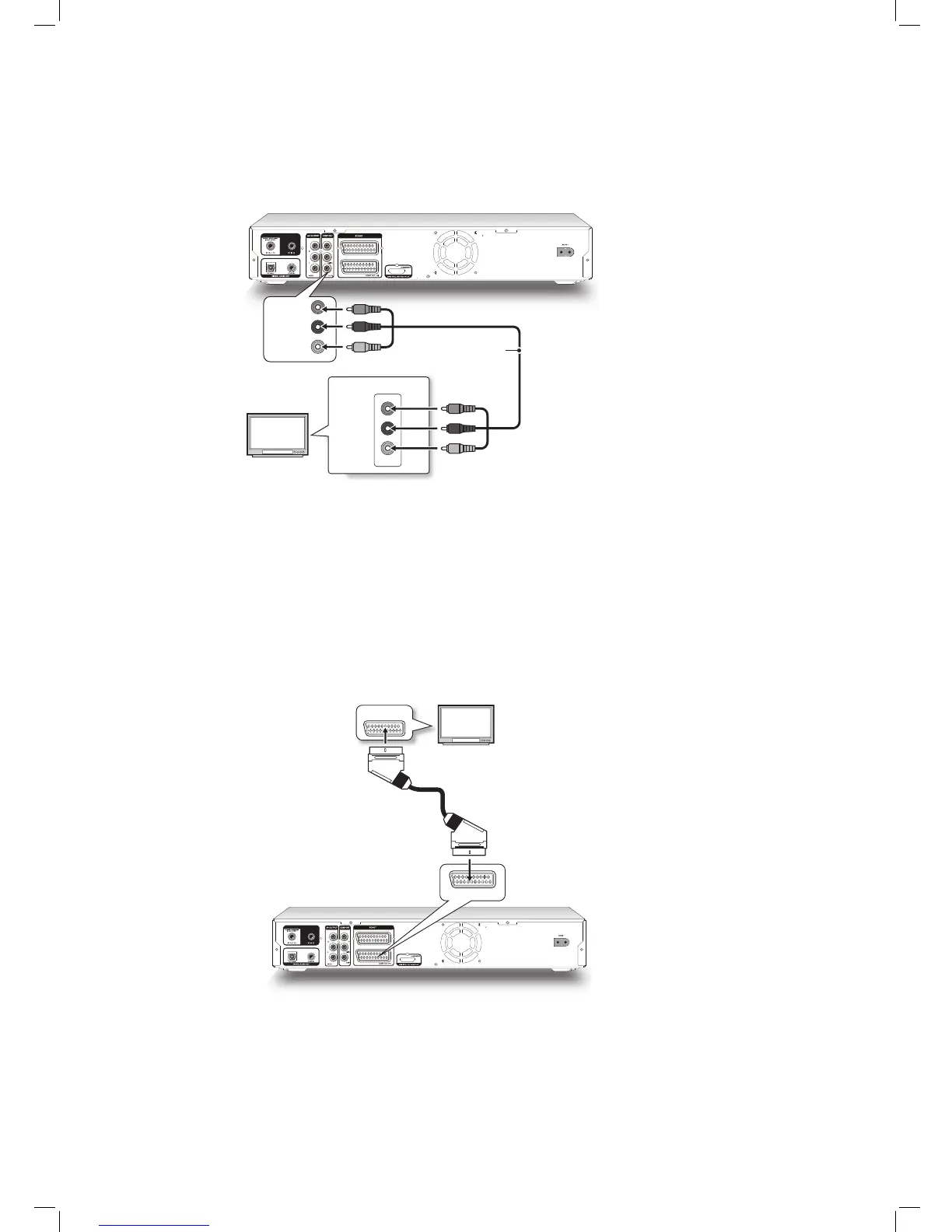
Option 2 Using Component Cable
If your TV has a component video input, use a component video cable (with green, blue and red
ends) to connect the COMPONENT OUT jack on the DVD recorder to the COMPONENT IN jack on the television.
If your television supports ‘Progressive Scan’ mode, you may adjust the ‘Component Output’ setting accordingly for
better results. Please go to Setup Video Input/Output Video Output, and select ‘Component-Progressive’. You
can activate the Setup menu directly by pressing SETUP button on your remote control.
Option 3 Using SCART Cable
If your TV has a SCART input, use a SCART cable to connect the SCART OUT jack on the DVD
recorder to the SCART IN jack on the television.



 To Next Page