22
System Settings
Before you start
► Check whether you have switched your TV’s input source to corresponding option (e.g. VIDEO 1, LINE 2, etc.),
so that video from the DVD recorder can appear on screen. For further information, please check the instruction
manual offered by your TV manufacturer.
Easy Setup
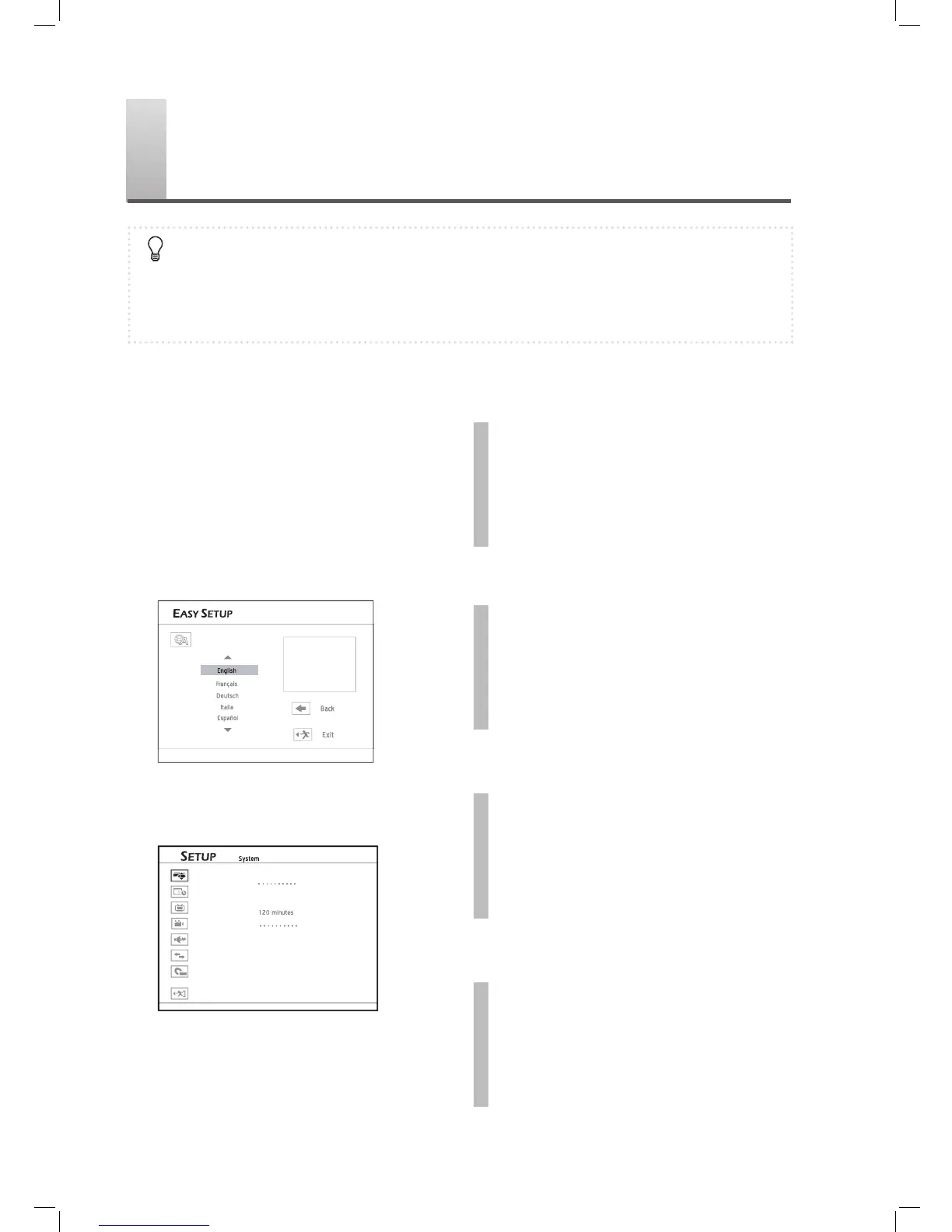
The ‘Easy Setup’ is designed to help you complete
basic settings step by step. On each option screen,
use or number buttons (0-9) to make neces-
sary adjustments, then press ENTER to confi rm. If
you would like to return to the previous option, select
‘Back’. Or select ‘Exit’ if you wish to quit the setup
process.
Select a language for on-screen message
Language
The ‘Easy Setup’ guide appears automatically when
you switch on your new DVD recorder for the fi rst
time. After the fi rst-time setup, you can always access
the guide via Setup → System → Easy Setup.
1
Set Language
Press to select your preferred language for
the on-screen menus and messages, then press
ENTER.
2
Set Clock Format
Press to select your preferred clock format
for display, then press ENTER.
3
Set System Date
Press or number buttons (0-9) to enter
correct date information, then press ENTER.
4
Set System Time
Press or number buttons (0-9) to enter
correct time information, then press ENTER.



 To Next Page