42
7 Press to select ‘Exit’, then press ENTER
or press GUIDER to exit the Easy Guider.
Copying (HDD to Disc)
1 On the Easy Guider menu, press to select
‘Copy’, then press ENTER.
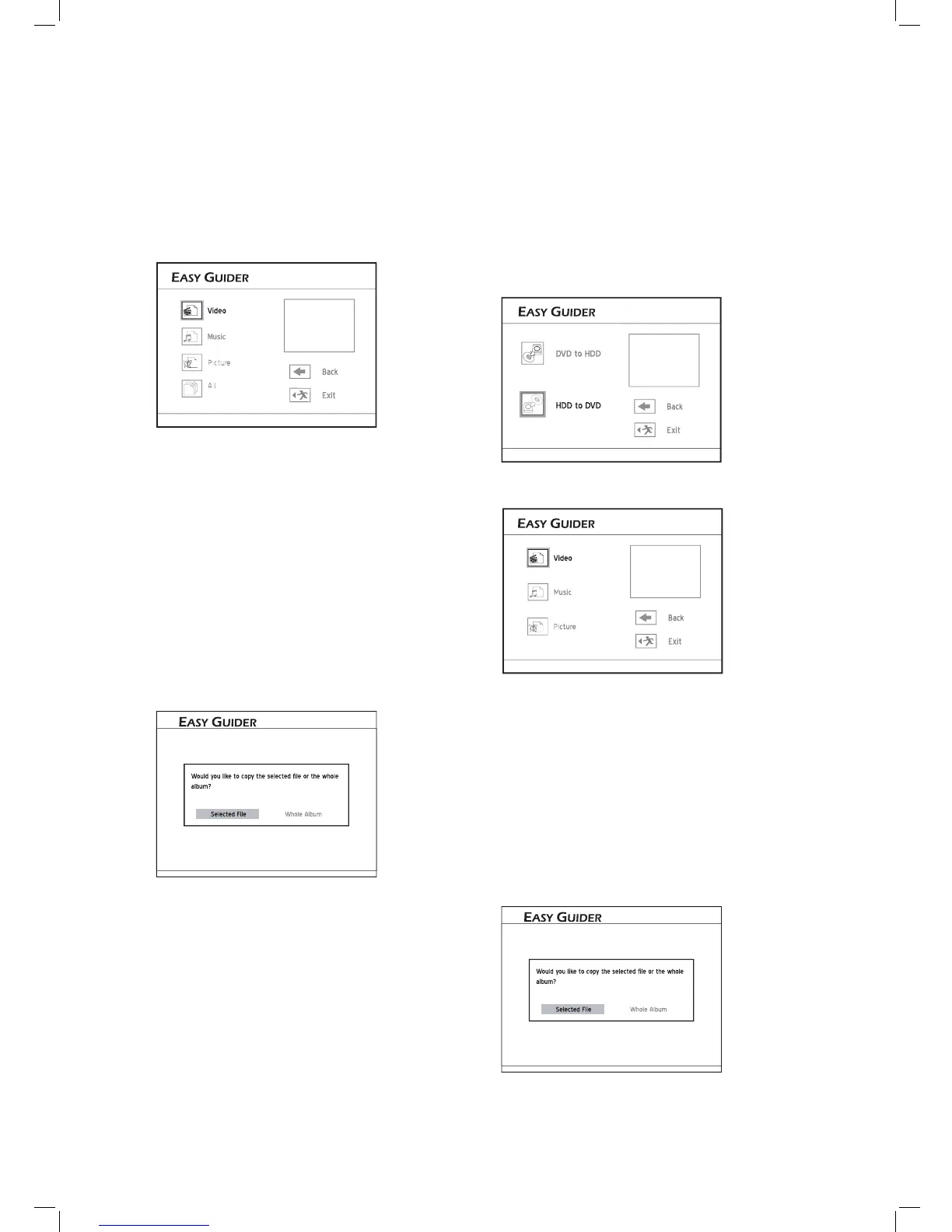
2 Press to select ‘HDD to DVD’, then press
ENTER.
Select how you wish to copy files
3 Press to select the type of fi le you would like
to copy, then press ENTER.
Select the media type you wish to copy
4 If you have chosen:
▌ Video
Press to select desired fi le, then press
ENTER.
The copying process will then start.
▌ Music / Picture
Press to select desired album, then press
ENTER. (
Proceed to step 5)
5 Press to select desired fi le, then press
ENTER. A pop-up box showing further copying
options will appear.
▌Disc with Video Titles
A disc menu will appear.
Press to select the title you would like to
copy, then press ENTER.
Press to select ‘Go’, then press ENTER.
The copying process will then start.
▌ Disc with Data & Media Files
Press to select the type of fi le you would like
to copy, then press ENTER. (
Proceed to step 4)
Select the media type you wish to copy
4 If you have chosen:
▌ All
The copying process will then start.
▌ Video
Press to select desired fi le, then press
ENTER.
The copying process will then start.
▌ Music / Picture
Press to select desired album, then press
ENTER. (
Proceed to step 5)
5 Press to select desired fi le, then press
ENTER. A pop-up box showing further copying
options will appear.
Press to select ‘Selected File’, then press
ENTER, if you would like to copy only the selected
fi le.
Press to select ‘Whole Album’, then press
ENTER, if you would like to copy all fi les in the
album.
The pop-up box will appear when you fi rst enter the
album. If you decide to copy the whole album after
adopting the ‘Selected File’ option, you will need to
exit the album fi rst. Press to select ‘Return’,
then press ENTER to go back to the album level.
6 When completed, press to select ‘Exit’,
then press ENTER to exit the Contents Menu.



 To Next Page