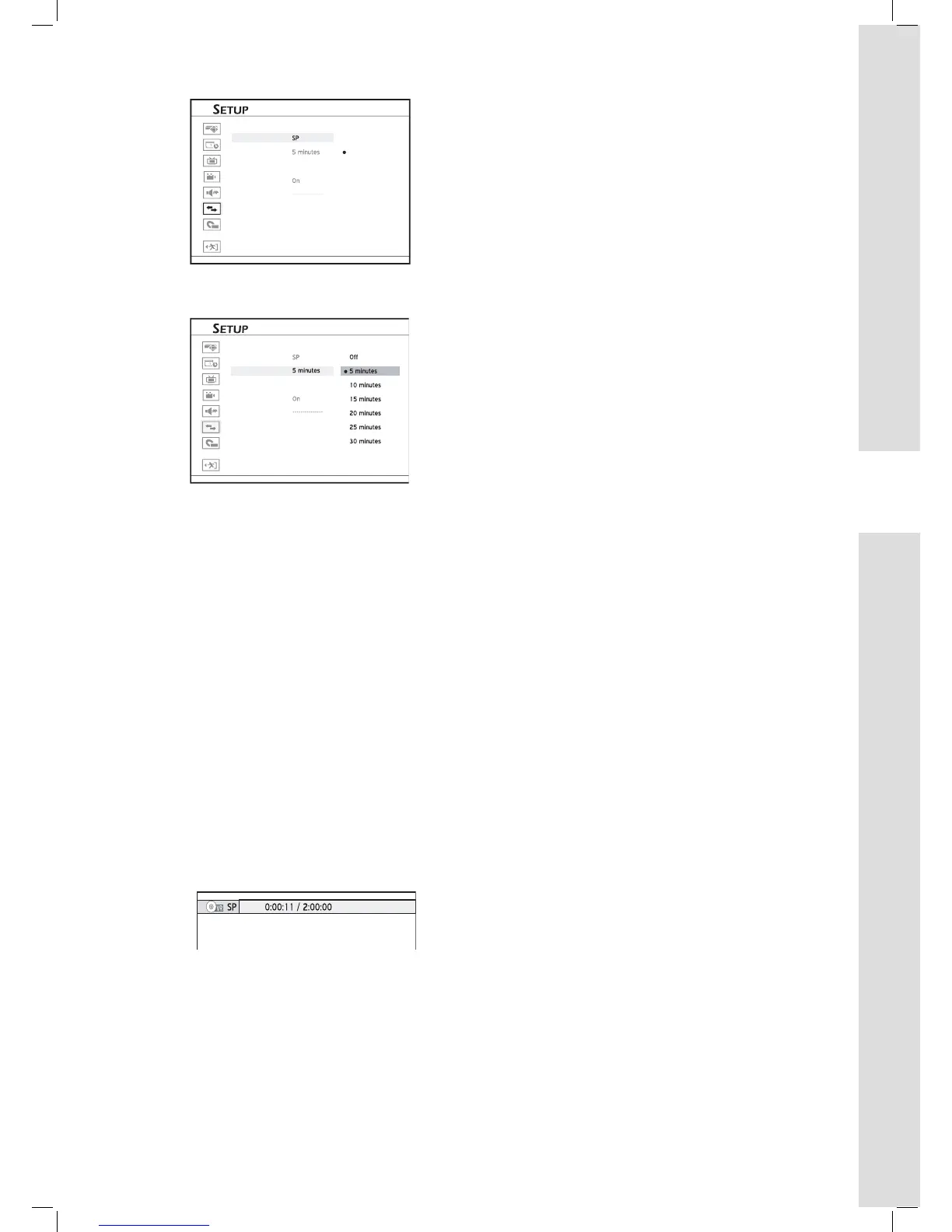
4 Press to select your desired interval, then
press ENTER.
5 When completed, pressto return to the main
menu.
6 Press or SETUP to completely exit the Setup
menu.
New chapter division setting will take effect on future
recordings; it CANNOT be applied to titles already
recorded.
Inserting Additional Chapter
Marks
During recording, you can manually insert extra
chapter marks other than those created by system
default setting.
1 During recording, press EDIT to insert chapter
mark at your desired point.



 To Next Page