Shutting down the Solo PRO
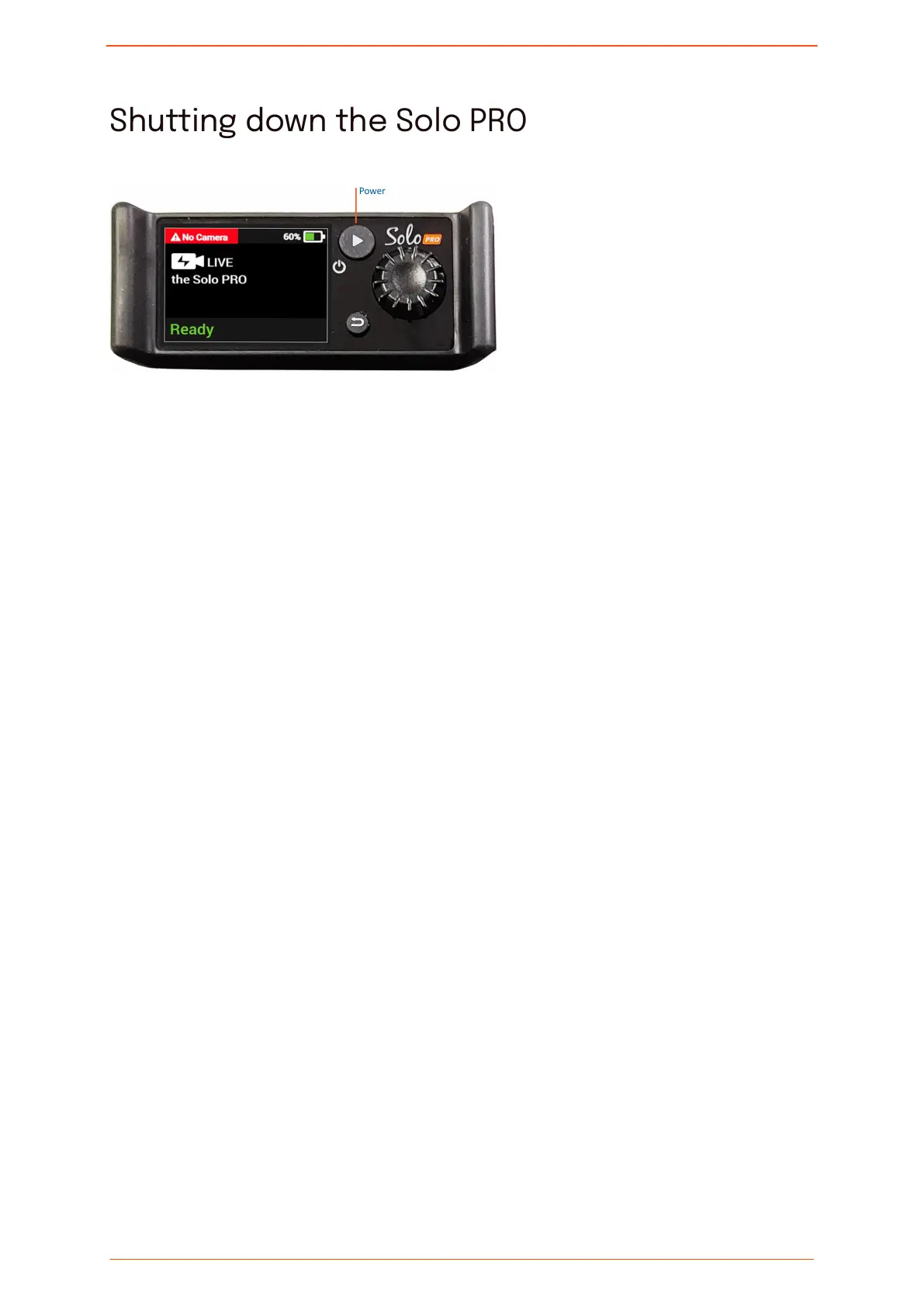
To shut down the Solo PRO:
1. Press and hold the Power button.
A Hold to shut down counter is displayed.
2. Continue pressing the Power button until the Unit is shutting down screen appears.
Shutting down the Solo PRO
Solo PRO User guide 15


 To Next Page