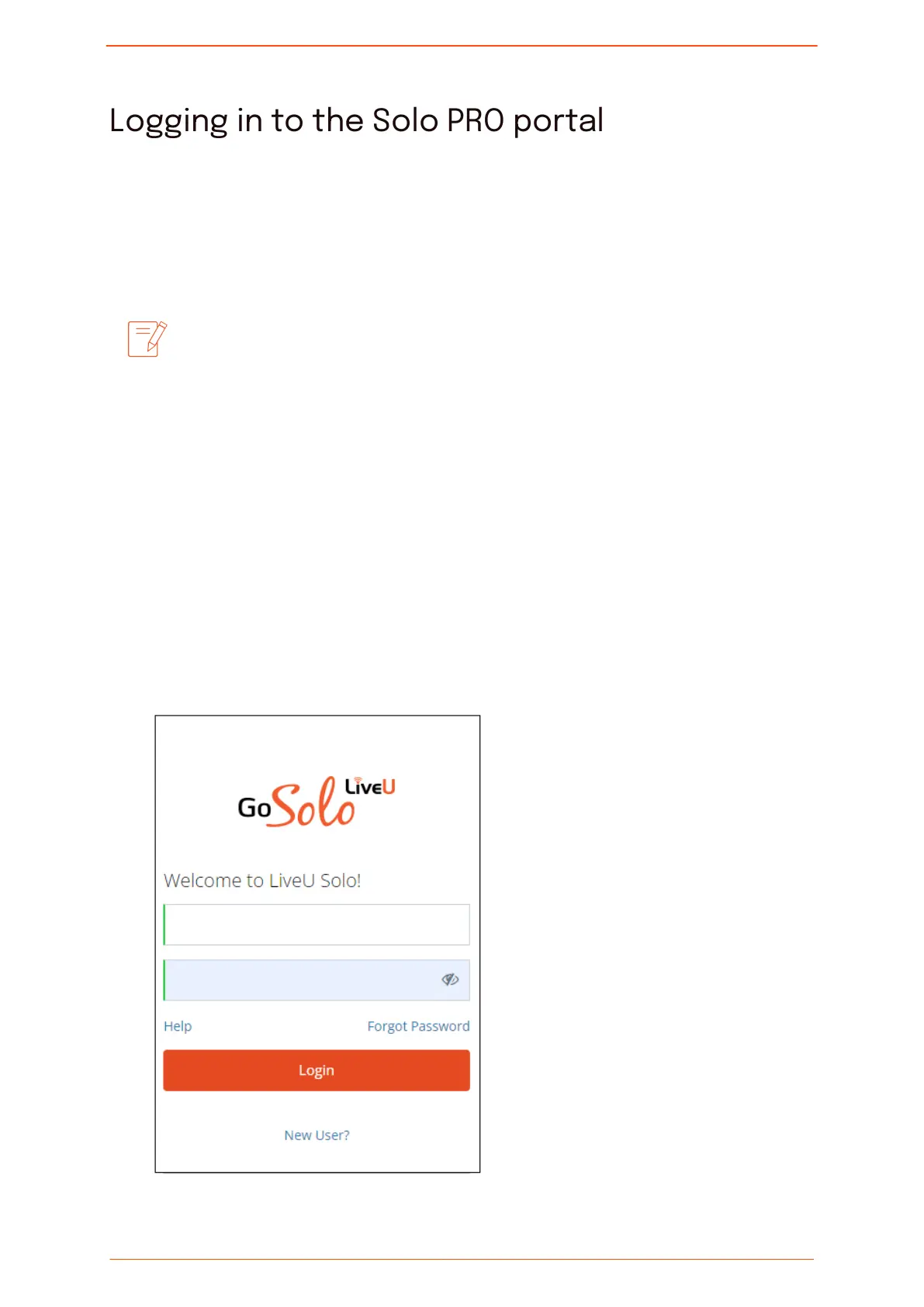
Logging in to the Solo PRO portal
You use the Solo PRO portal to control and monitor the Solo PRO unit.
Using the portal, you can set destinations for your video stream, pause and restart
streaming and view information about the stream.
We recommended that you always go live from the Solo PRO portal.
Although you can start streaming by pressing the Play button on the
unit's front panel, the portal supports additional functionality that
might be required to activate related services, such as transcoding.
These services can be managed in the LiveU Solo portal only when the
video stream is started in the Solo PRO portal.
To use the portal, you need to create an account and then register your Solo PRO unit.
Creating an account
To create an account:
1. In your browser, go to https://solo.liveu.tv.
The Login / New User screen is displayed.
2. Click New User?.
Logging in to the Solo PRO portal
Solo PRO User guide 7


 To Next Page