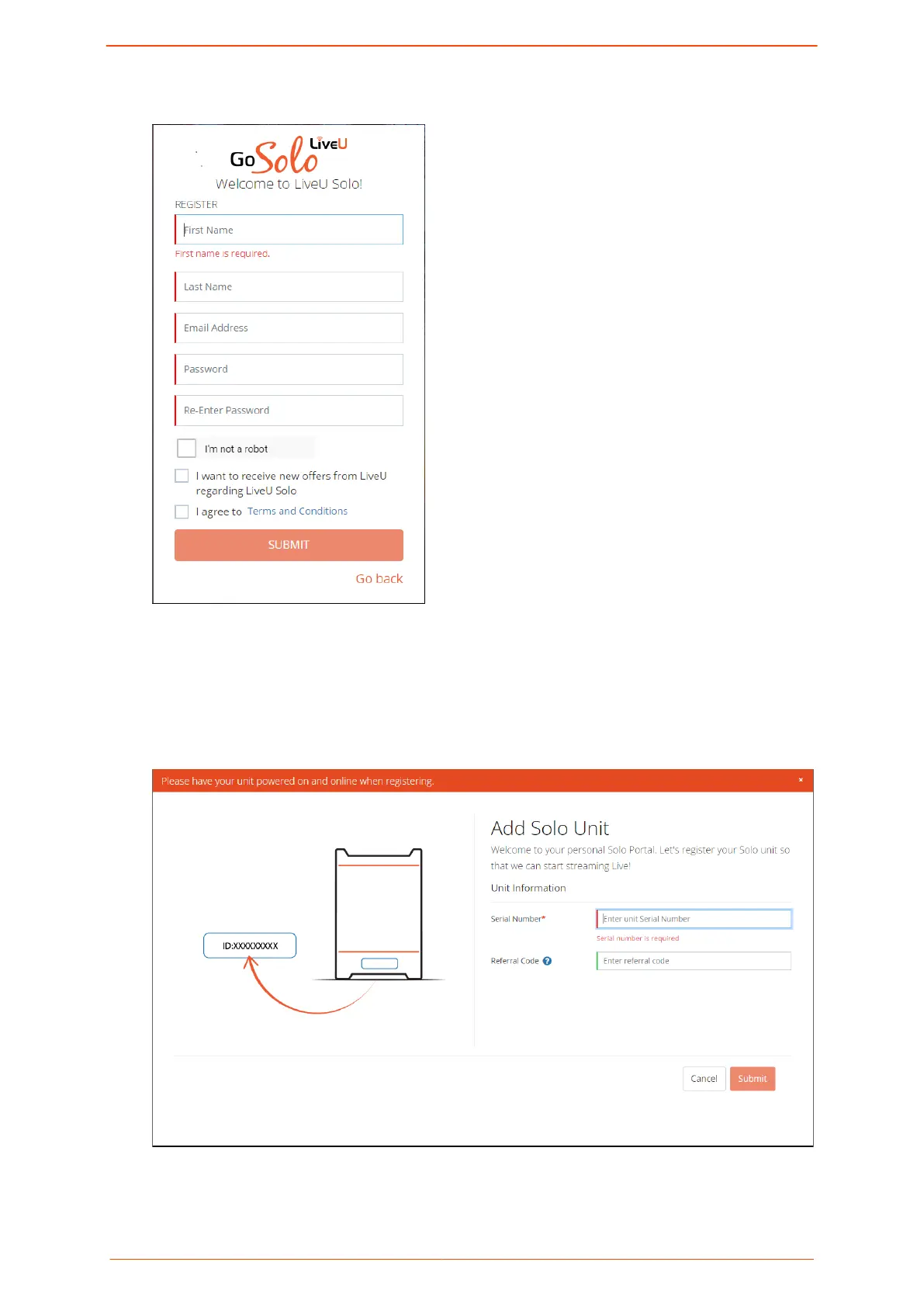
The Welcome to LiveU Solo! screen is displayed.
3. Fill in your personal details, and select I'm not a robot and I agree to Terms and
Conditions, then click Submit.
An email is sent to the email address you provided, conrming that an account was
opened in your name and asking you to click a link to verify that you created the
account.
The Add Solo Unit page is displayed. .
Logging in to the Solo PRO portal
Solo PRO User guide 8


 To Next Page