Conguring internet interfaces
You can optionally connect to one or more of the Solo PRO's internet interfaces, which
include up to two external cellular modems, and one Wi-Fi and Ethernet connection each.
Each interface can be enabled or disabled separately.
The option to add two additional modems will become available in the
near future.
The following table describes the different network connections.
Accessing the Interfaces menu
To access the Interfaces menu:
1. From the Solo PRO's Home screen, press the JOG.
The Main menu is displayed. Interfaces is selected by default.
2. Press the JOG to display the Interfaces menu.
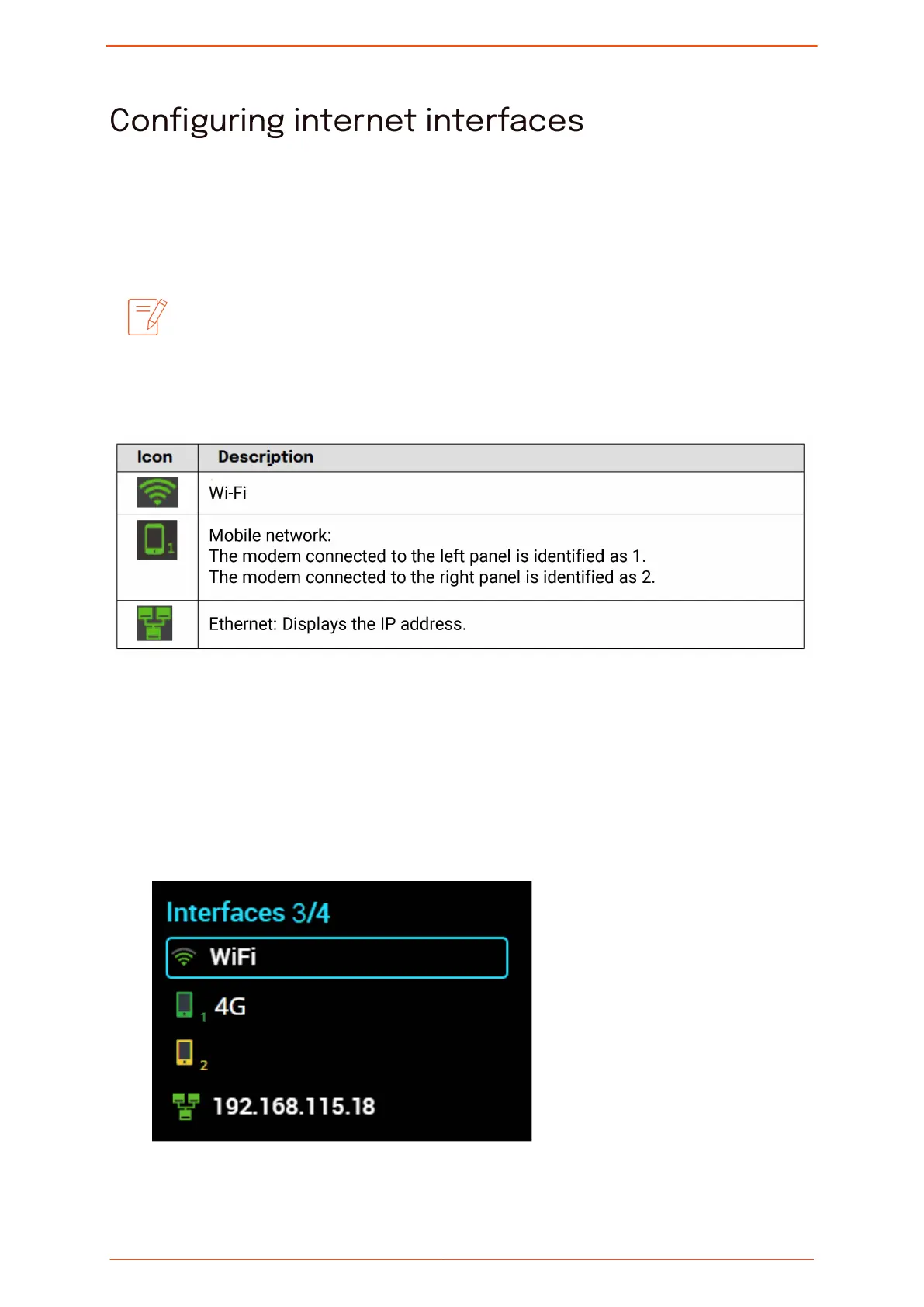
At the top of the Interfaces screen, the number indicates the number of active
interfaces out of the total number of interfaces on the Solo PRO.
Conguring
internet interfaces
Solo PRO User guide 19



 To Next Page