Connecting modems to the Solo PRO
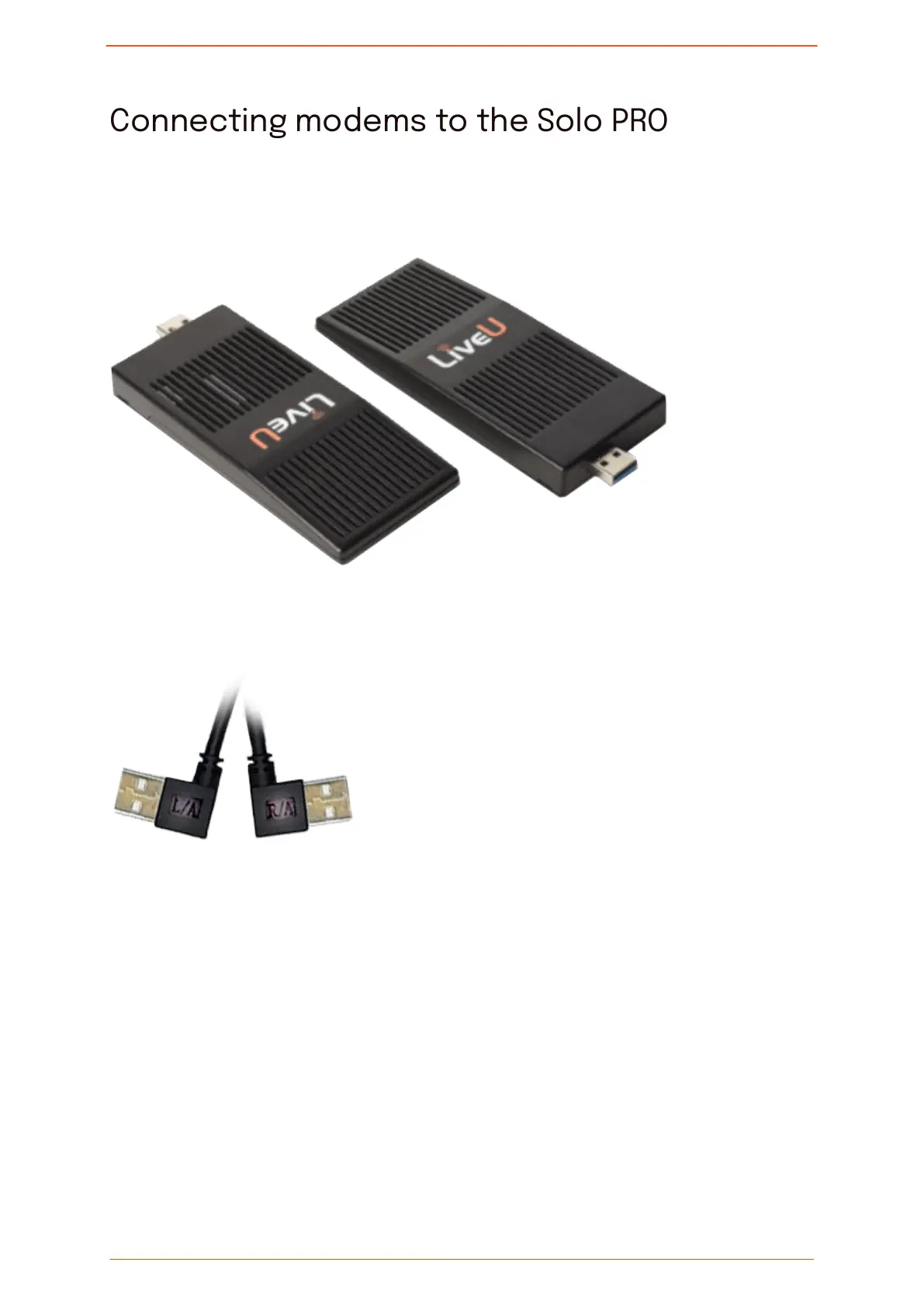
The Solo PRO unit is delivered with two USB cables used to connect up to two external
modems to the unit.
The cables connect to the USB ports on the left and right panels of the unit. The cables are
marked with L/A (left) and R/A (right) to indicate on which side of the unit to connect them.
The modem connected to the left panel of the unit is identied as 1. The modem connected
to the right panel of the unit is identied as 2.
Connecting modems to the Solo PRO
Solo PRO User guide 24


 To Next Page