LIVOX HAP
User Manual
©
2022 Livox Tech All Rights Reserved.
9
25°
120°
Mounting the HAP (TX)
Eective FOV Range
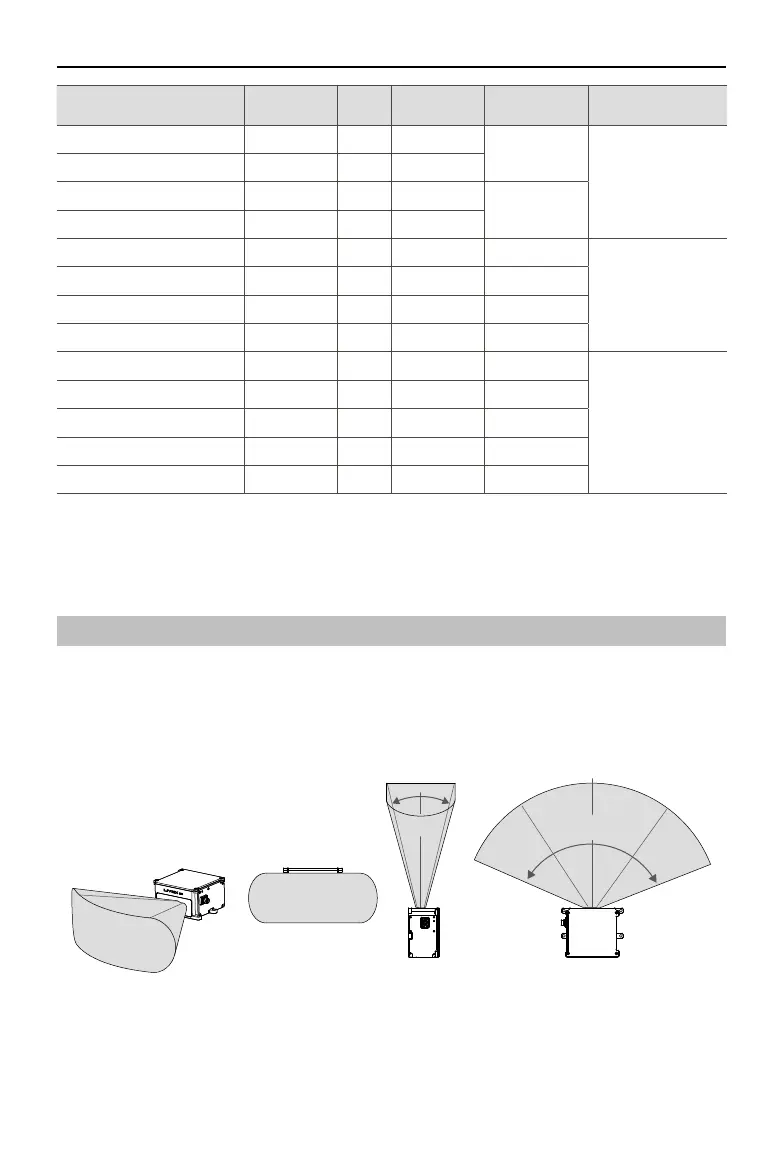
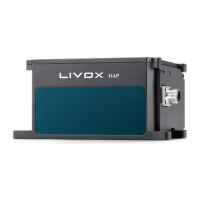
As shown below, the HAP (TX) has a FOV of 120° horizontally and 25° vertically. When mounting
the sensor, make sure that the FOV is not blocked by any objects. Visit www.livoxtech.com/hap to
download the 3D model of the HAP (TX) and its FOV.
VerticalHorizontal Horizontal
Figure 3.1.1 Eective FOV of the HAP (TX)
M12 Aviation Connector Pin Signal Type Description Color Function
1 Power+ Power DC VCC
Red (positive)
Power cable
(Connects to DC
power)
9 Power+ Power DC VCC
2 Ground Power Ground
Black (negative)
3 Ground Power Ground
4 Ethernet-TX+ Output Ethernet-TX+ Orange/white
Ethernet cable
(Connects to computer
or router)
5 Ethernet-TX- Output Ethernet-TX- Orange
6 Ethernet-RX+ Input Ethernet-RX+ Green/white
7 Ethernet-RX- Input Ethernet-RX- Green
8 N/A N/A N/A Purple/white
Function cable
(Not in use. DO NOT
connect with other
power or signal cables
to avoid short circuits.)
10 N/A N/A N/A Gray/white
11 N/A N/A N/A Gray
12 N/A N/A N/A Purple
2&3 Ground Ground Ground Black


 To Next Page