4 START UP MANUAL
QUICK LOAD SERVO III
2. Press the key [MENU].
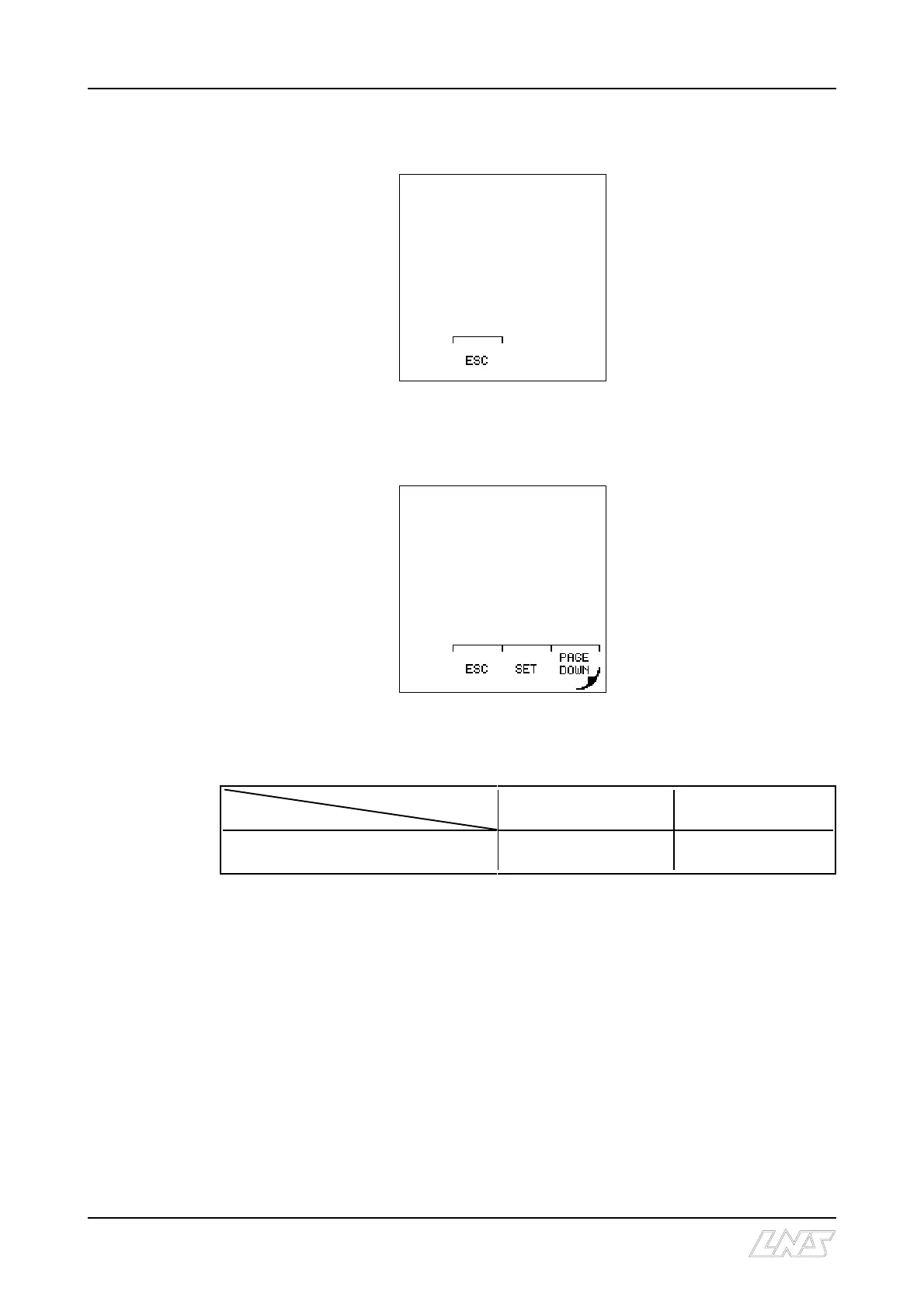
The display reads :
3. Press the key [3] for
Position / Torque.
The display reads :
4. Press the key attributed to the icon [SET].
Depending on which sequence the bar feed is in when the parameter is selected, the
available functions and icons can change :
Functions
Conditions
By offset correction
By teaching
- Loading channel down
- No bar stock in the loading channel
icon : [+/-] icon : [TEACH IN]
[+/-] By offset correction
C Press the key attributed to the icon [+/-].
The display reads the current end of bar position.
C Enter the correction value with the numerical keys. Then, press the key attributed
to the icon [+] to add the value, or the key attributed to the icon [-] to substract it.
The display reads the new end of bar position.
C To exit the end of bar set mode, press the key attributed to the icon [ESC].
MAIN MENU
1: PART SETUP
2: APPLICATION SETUP
3: POSITION/TORQUE
4: MISCELLANEOUS
FUNCTIONS
5: SERVICE
END OF BAR POSITION:
39.37 INCHES











 To Next Page