6.Setting modes & functions
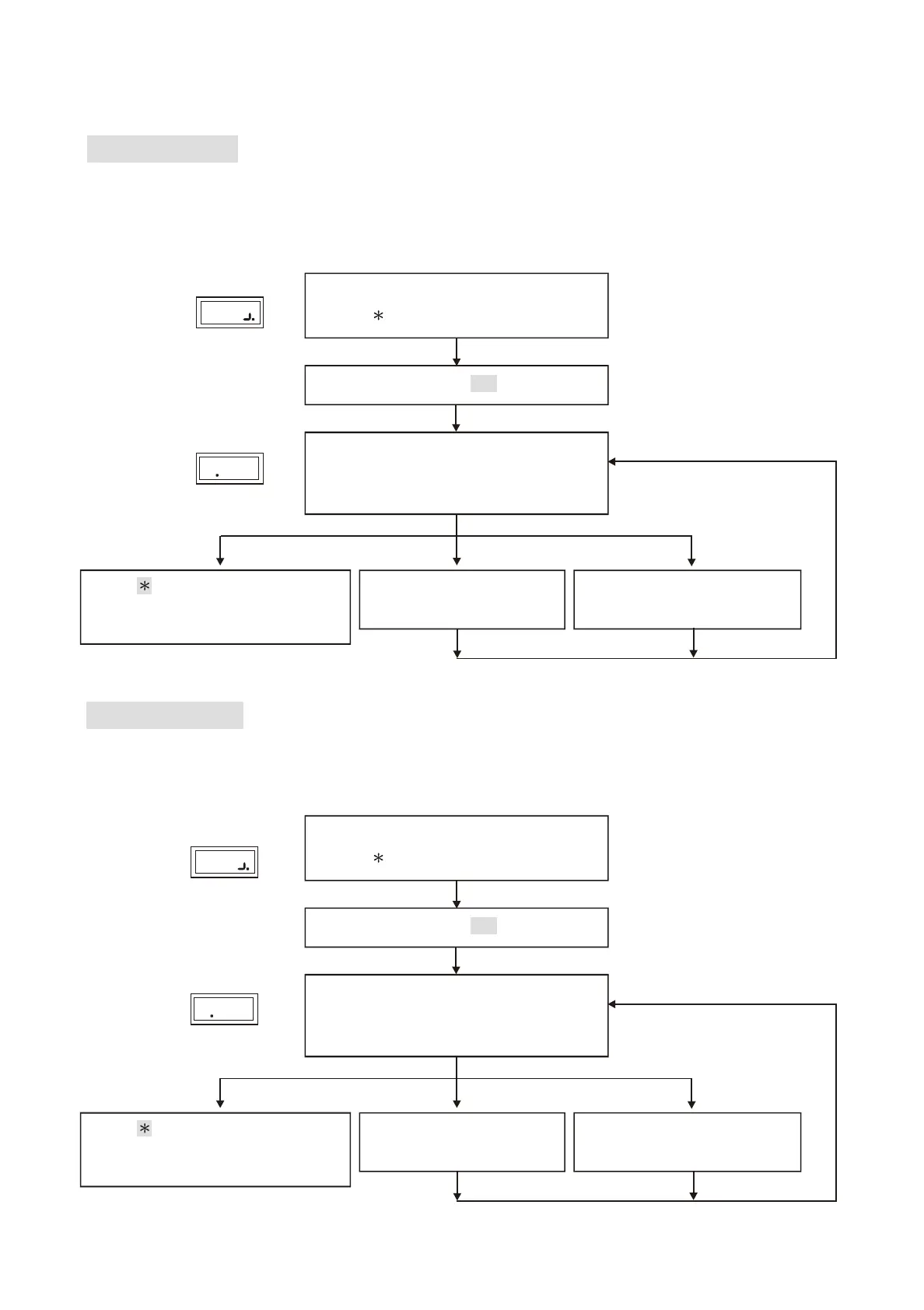
Function(01) Add New Card
Either enter 8-digit card number or use proximity card to register, both can be accepted
but should be registered prior use.
Function (02) Delete Card
Deletion of user's card (such as loss of card or to prevent specific user to gain access)
can be achieved by entering 8-digit card number indicated on the proximity card.
Enter 1 #
Proximity card or
enter 8-digit card number
and press # manually
Proximity card or
enter 8-digit card number
and press # manually
Registration completed,
one beep sound.
Repeated registration,
continuous beep sound.
Enter
# system password #
Display
Display
2
Display
Display
1
Enter to clear.
It goes back to system function
selection when nothing is entered.
Enter 2 #
Deletion completed,
one beep sound.
Error.
Continuous beep sound.
Enter
# system password #
Enter to clear.
It goes back to system function
selection when nothing is entered.
6
Lock Control - Kouterbaan 63 - 1840 Malderen - Belgium - Tel. +32 52 57 43 02 - info@lockcontrol.be - www.lockcontrol.be



 To Next Page