11
Set up Apple Home
STEP 1
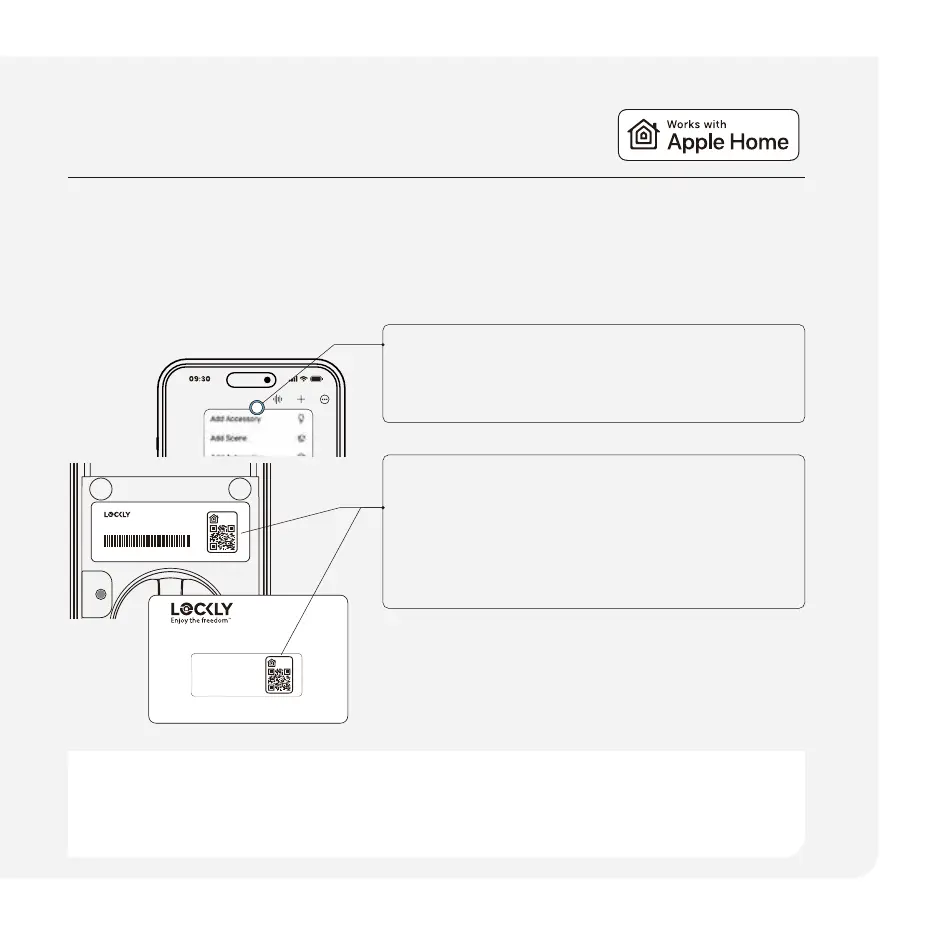
Open Home app.
STEP 2
Tap ‘+‘ in the upper right corner and select
‘Add Accessory.’
STEP 4
Follow the in-app instructions to add your Home
Key to your Wallet app.
STEP 3
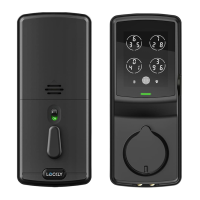
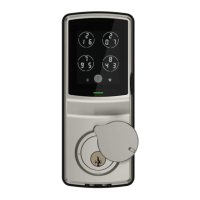
Remove the battery cover and locate the
Apple HomeKit code in the interior assembly
or on the activation card. Scan the code
when prompted.
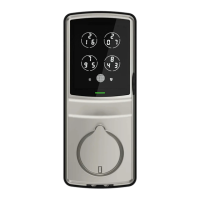
Unlock your door with your
iPhone and Apple Watch.
Monitor status from your
Home app.
1234
5678
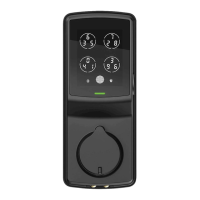
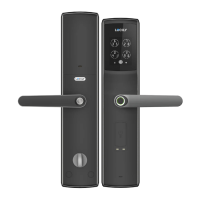
Visage Zeno Series Deadbolt Edition
PGKXXXXXXX
SN: PGKXXXXXXXXXXX
Activation Card
Need help? Email: help@Lockly.com | Support: +1(669) 500-8835
LOCK SERIAL
PGKxxxxxxxxxxxxxxxxxxxxxx
ACTIVATION CODE
PGKxxxxxxxxxxxxxxxxxxxxxx
1234
5678
System requirements
Sharing access with others and controlling the Lockly Visage away from home through Apple Home requires an
Apple TV® (4th generation tvOS 12.0 or higher), an iPad® (iOS 12.0 or higher), a HomePod® or HomePod mini® setup as
a home hub.
(Optional, iOS only)



 To Next Page