19
Powered by
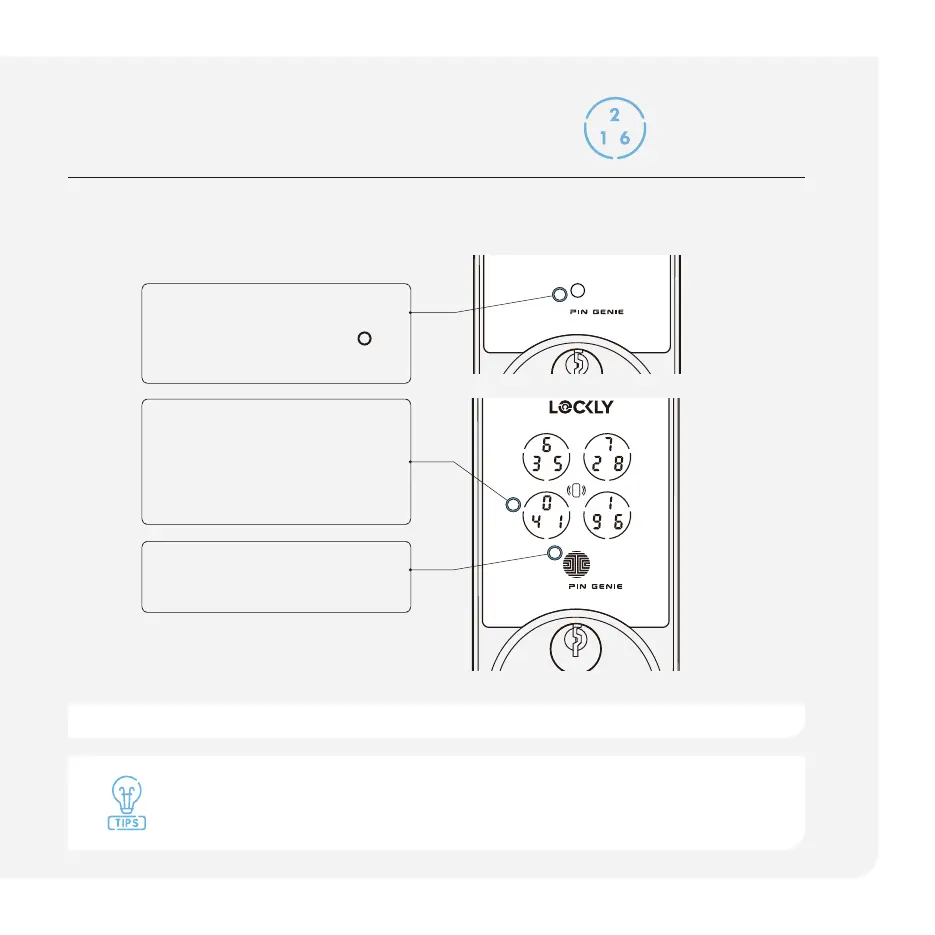
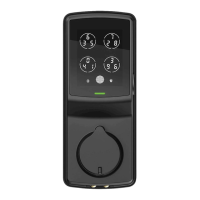
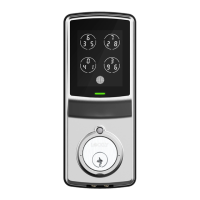
Unlock with digital keypad
Our hack proof, exclusive PIN Genie™ dynamic shuffl ing technology
shuffl es access codes after each use.
STEP 1
Press the circle button
to
wake up the keypad.
STEP 2
Press the buttons that
contain the digits of your
access code.
STEP 3
Press the OK button.
Temporarily boost the brightness of the keypad by pressing and holding any
of the 4 buttons for 3 seconds.
Ten consecutive wrong attempts will put Lockly into “Safe Mode”. Refer to support.Lockly.com for details.
Powered by



 To Next Page