21
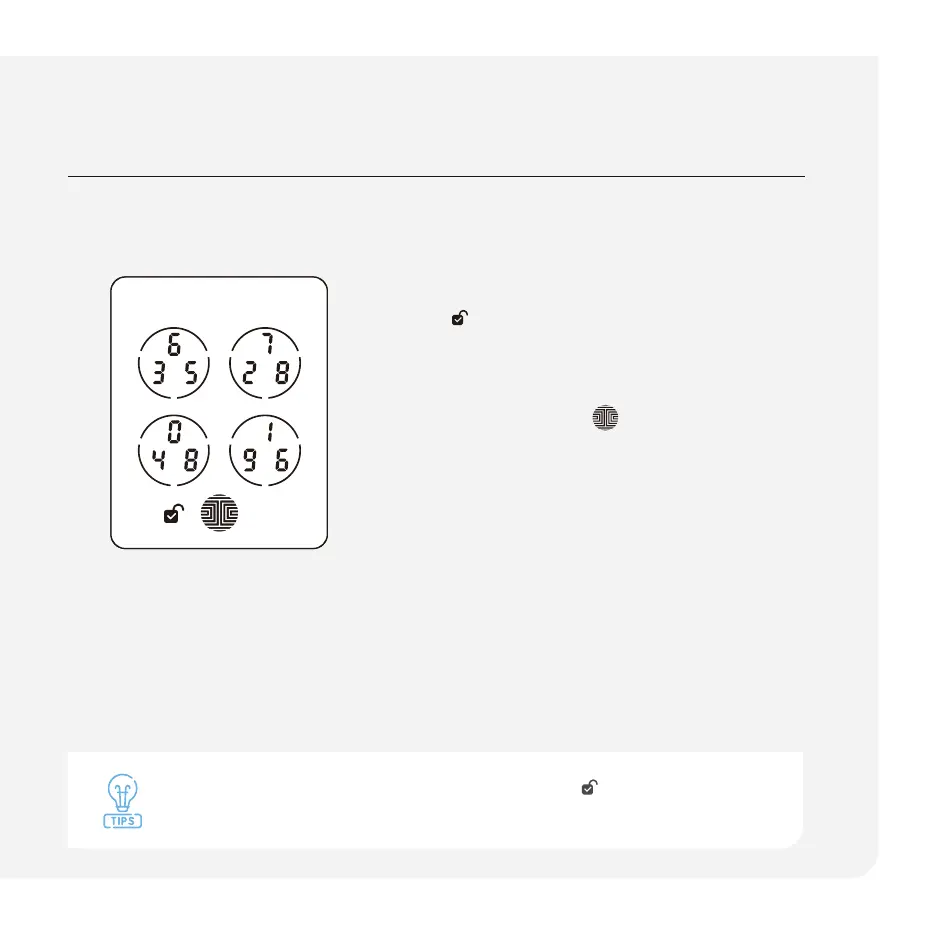
When the Lockly smart lock is unlocked, the unlocked icon will display on
the screen.
Auto and manual locking
When the Lockly smart lock is unlocked,
the
icon will display on the screen.
Lock with Screen
Press the OK button
on the screen
or swipe across when the screen is off.
Auto-Lock
Set up auto-lock when you close your
door in the Lockly app.
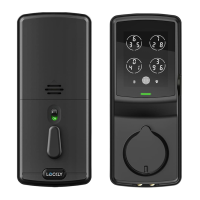
Thumbturn
Rotate the thumbturn on the interior
assembly.
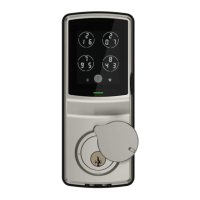
Physical Key
Insert physical key and rotate.



 To Next Page