4.3 Locking/Unlocking with Physical Key
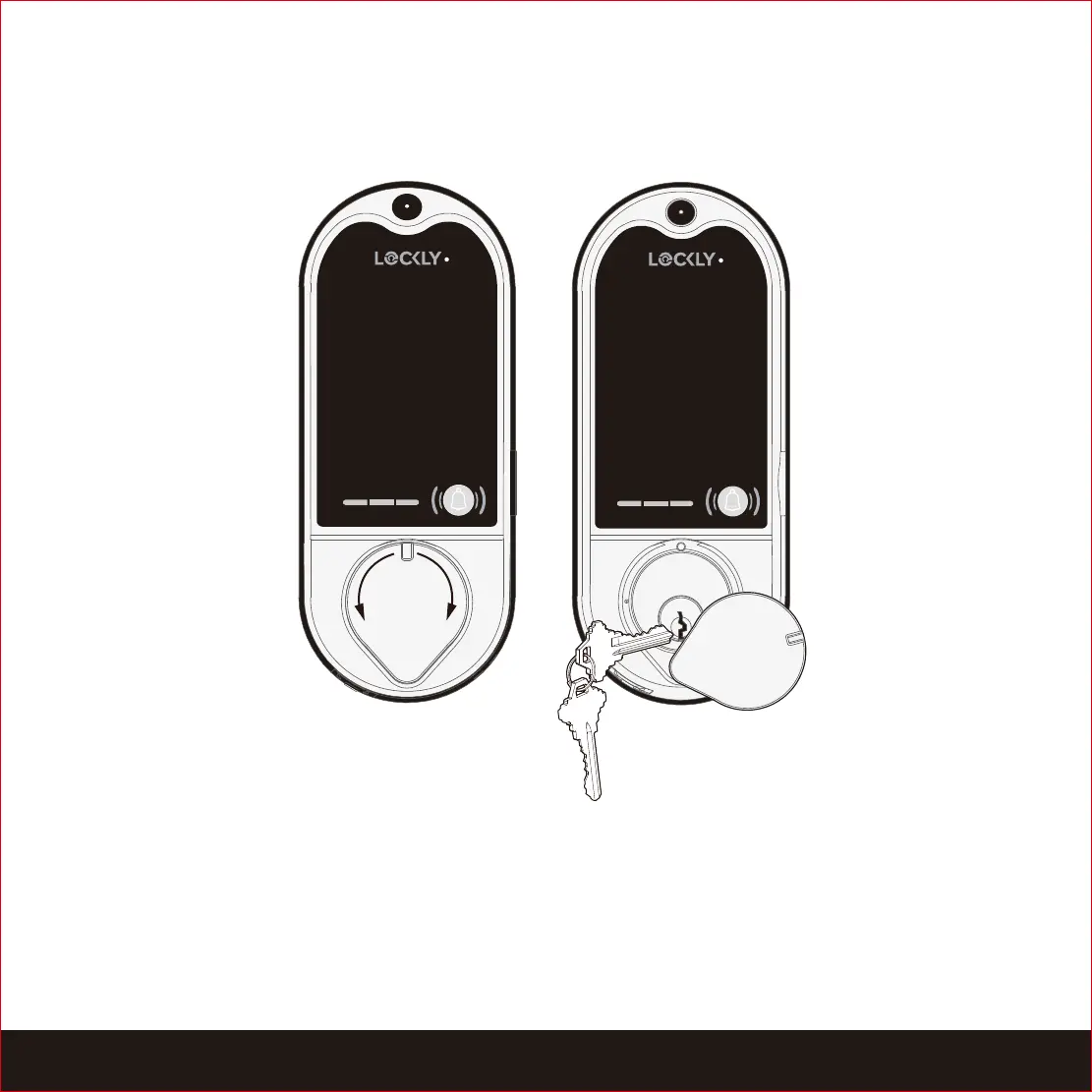
Exterior View
We presumed you will not be using the key on a regular basis. To better protect
you from malicious lock bumping, video will start recording whenever a key or
bumping devices are used to unlock the door.
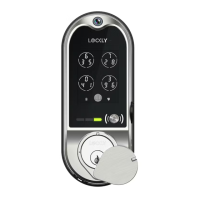
To unlock your lock using the physical key (included), open the key cover by sliding
the cover on either left or right direction to reveal the keyhole. Insert the key and
turn clockwise to unlock the door. Again, this will trigger the video recording.
15
SECTION 4.3


 To Next Page