19
5.1 Video Doorbell
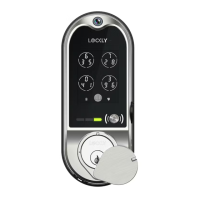
LOCKLY Vision
™
has a built-in HD video doorbell with real-time video streaming on
your smartphone and real-time 2-way voice interaction. Recordings are stored
locally on the TF card, with no monthly fees, and you can access video recordings
from anywhere using the LOCKLY
®
app. To enjoy these features, make sure the
below procedures are done correctly:
Setup the Vision Connect Hub according to Installation Manual (See Step 10)
Download the LOCKLY App and connect LOCKLY Vision
™
according to
on-screen instructions
Allow your smartphone to receive push notifications or alerts from your LOCKLY
app. Please check on iOS or Android procedures for allowing push notifications
and alerts.
If you're an existing LOCKLY app user, make sure you have the latest firmware.
Go to Settings > Firmware Upgrade.
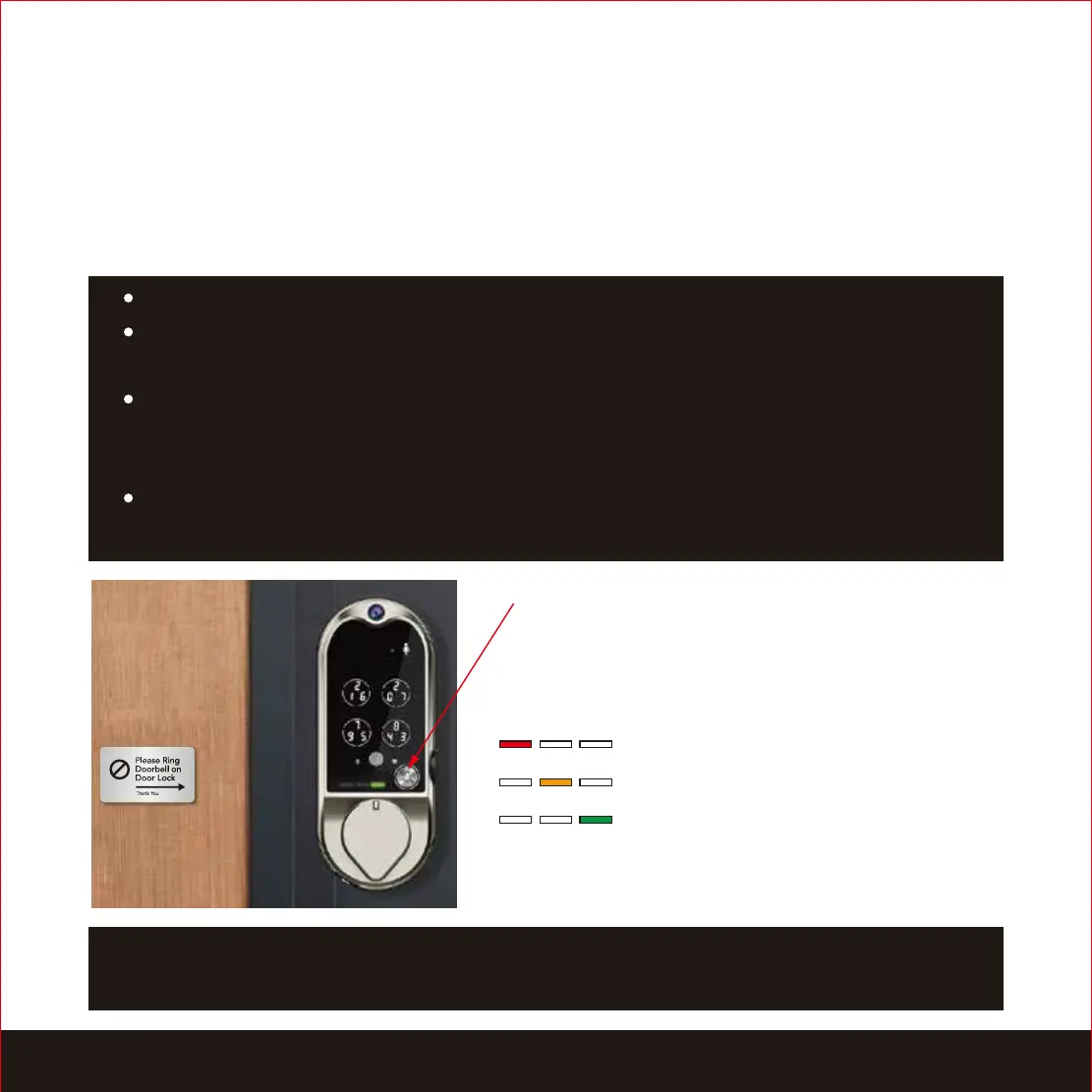
REMINDER: Install the provided “Please Ring Doorbell on Door Lock” plate on a
clean and dry surface pointing the arrow to LOCKLY Vision
™
to remind guests.
- Vision initiates the call
- Vision is connected to the App
- Ready to Talk ( 3 blinks)
Doorbell
When someone press on the doorbell
button, the smart lock will ring. The LED lights
indicate the following:
SECTION 5.1


 To Next Page