2.3 Understanding Your New Lock
SECTION 2.3
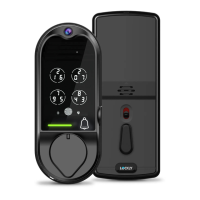
After the installation of your new LOCKLY Vision
TM
, understanding some key functions of
operating your smart lock is important. The next sections will walk you through
configuring Access Codes, adding fingerprints, video doorbell recording, resetting,
pairing, configuring your Offline Access Code
TM
(OAC) and other features of your lock.
For any questions you can always visit http://LOCKLY.com/help for assistance.
Don’t forget that in order for LOCKLY Vision
TM
to work with full features, it is required to
pair it with the LOCKLY
®
App available for both iOS and Android
™
smart devices .
Please download the app by visiting the link below.
4
Scan or visit LOCKLY.com/app
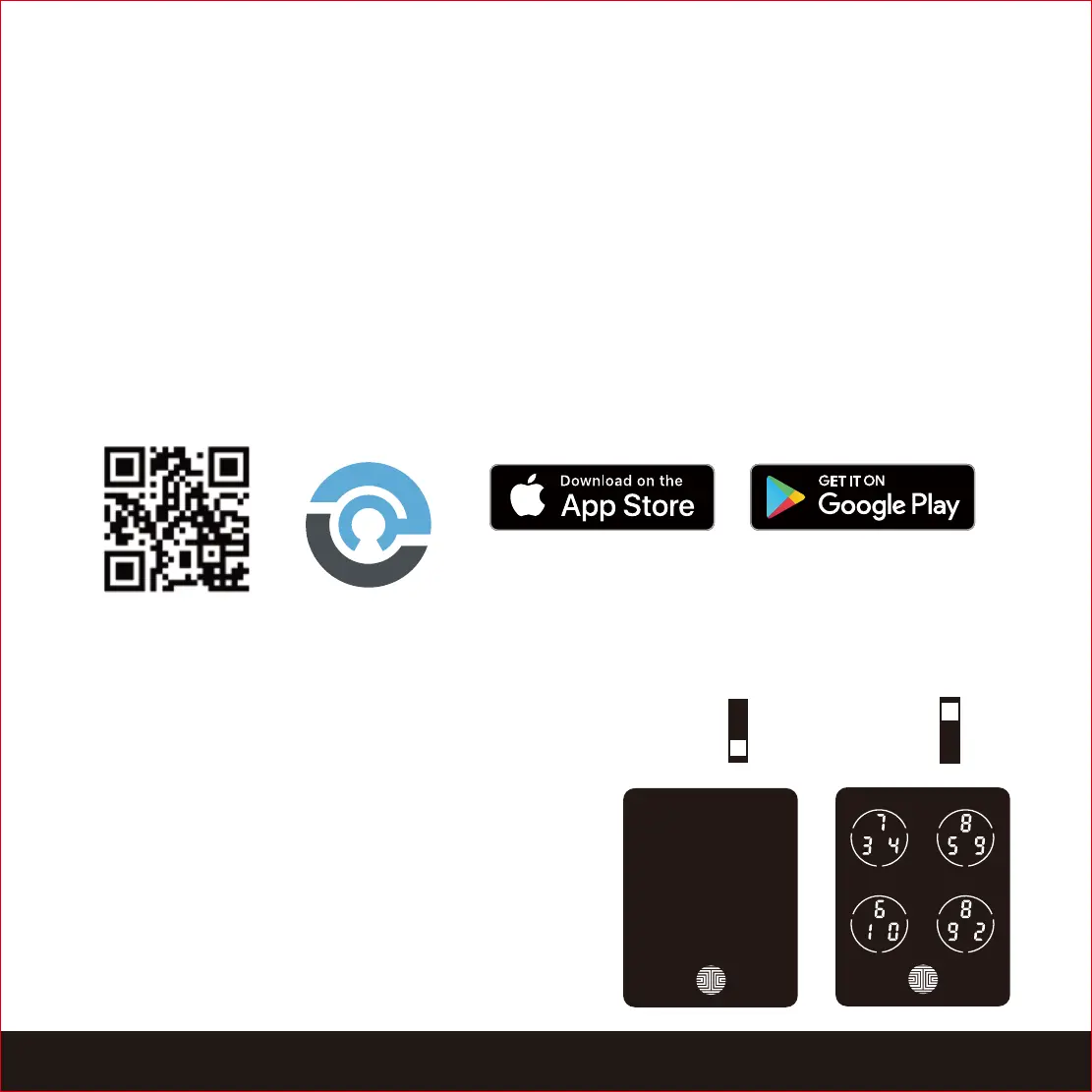
2.4 Keypad Display Switch
For you peace of mind, the exterior keypad
screen can be locked and turned off by using
the ON/OFF switch at the back panel (PART G)
of the smart lock. When it is switched off,
people who are outside cannot enter any
access codes to unlock the door.
OFF
ON


 To Next Page