Loewe bild 5 oled / bild 4 oled
User handbook
20
Initial installation
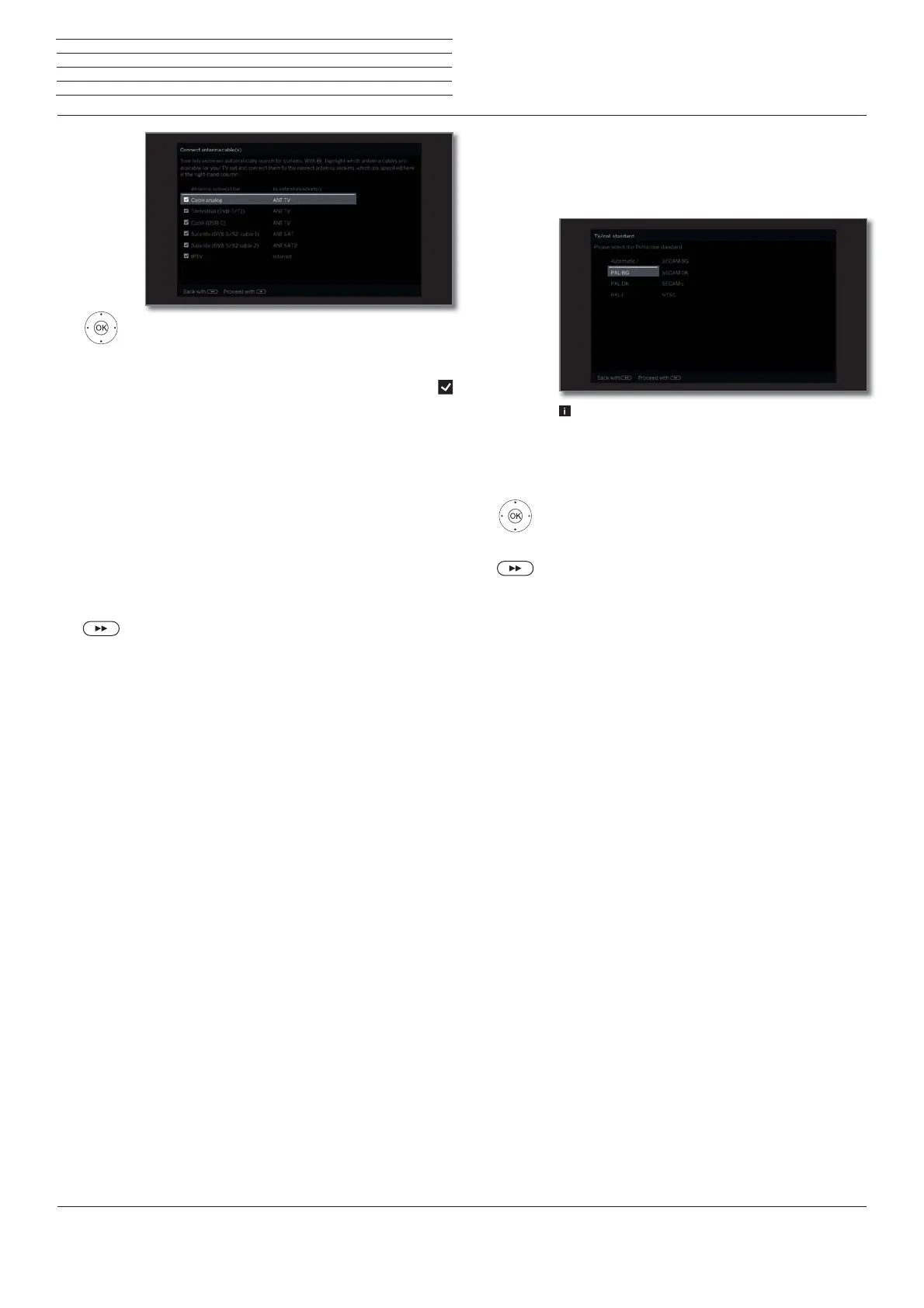
Select antenna cable.
OK Connect/disconnect antenna cable.
Select the antenna cables that are connected to
your TV.
Ahead of each selected antenna, the symbol
appears.
Cable analog: analogue stations via
cable
Terrestrial (DVB-T): digital stations via
antenna
Cable (DVB-C): digital stations via
cable
Satellite (DVB-S/cable 1): digital stations via
satellite
Satellite (DVB-S/cable 2): digital stations via
satellite
Proceed to next step.
The rest of the initial installation wizard routine
depends on the selected antennas (Cable analogue,
DVB-T, DVB-C, DVB-S) in step Connect antennas
cable(s).
The different antennas/types of reception are
described in the following sections of initial installation.
Connect
antennas
cable(s)
Setting options for reception via Cable analog:
If you have not selected Cable analog in step Connect antenna
cable(s) in the initial installation, proceed to the next section Setting
options for DVB-T reception
.
The selection of a Colour standard is only required
when the Location of TV set Other country was
selected. Otherwise, the country-specific default
settings will be preset when selecting the Location
of TV set. This step will be skipped then
Select appropriate colour standard.
OK Confirm selection.
Proceed to next step.
TV/col.
standard



 To Next Page