Loewe bild 5 oled / bild 4 oled
User handbook
38
TV
Electronic Programme Guide
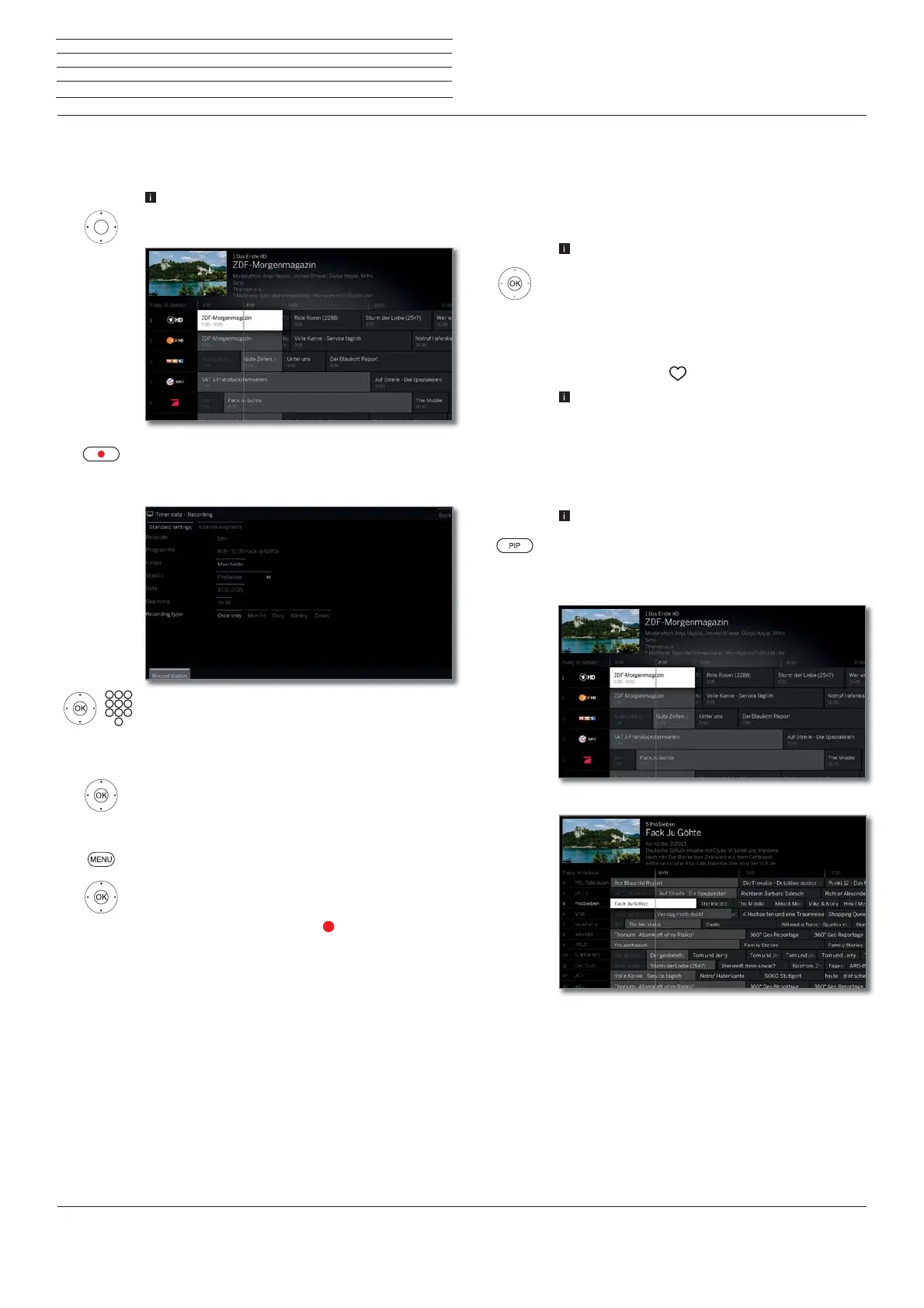
Recording a programme via EPG
You can programme timer recordings of TV programmes conveniently
using the EPG.
EPG called.
Select the desired broadcast.
RECORD key: Programme timer recording for the TV
programme.
Timer data dialogue is opened.
Check the timer data and update it if necessary (e.g.
directory, start, end, recording type).
See chapter Recordings,section Timer for explana-
tions of the setting options in the Timer data menu.
Select Record station,
OK adopt.
Or:
MENU: Call function list
Select Recording,
OK adopt.
In the EPG a recording symbol
is placed behind the
title of the programme.
Memorising a programme via the EPG
A programme that has not started yet can be memorised. For memo-
rised programmes, the TV set will ask at the beginning of a programme
if it should change the channel accordingly or switch on from the
stand-by mode if this is activated in the menu System settings
p
Control
p
EPG
p
TV on when memorised.
EPG called.
Mark the desired programme.
OK Call up detailed information.
Mark Memorise,
OK Memorise programme.
In the EPG, a memorise symbol is placed behind the title
of the programme
.
After a software update, it is likely that Memos of
programmes are deleted. After a software update,
please check your timer list
(see chapter Recordings,
section Timer).
Adapting the EPG view
EPG called.
PIP: Switch in EPG view between standard and
compact view.
Standard view:
Compact view:
Configuring EPG
You can find the EPG settings in the chapter System settings,section
Control – EPG).



 To Next Page